The Design View Toolbars
Designing a Form 63
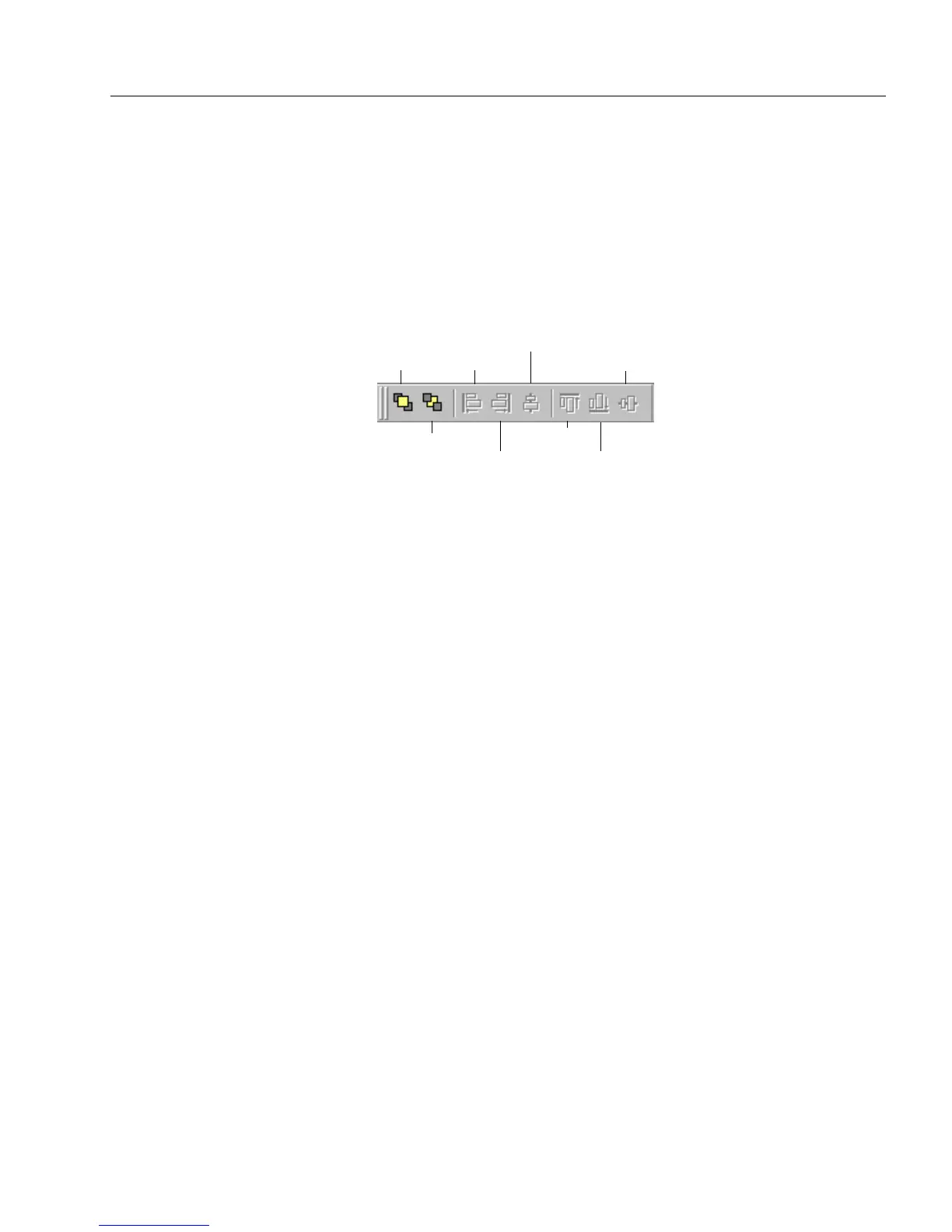
The Arrange Toolbar
Use the arrange toolbar to arrange and align objects on a form. Refer to
the online help for a brief explanation of each button’s function. These
buttons correspond to the
Align, Bring to Front,
and
Send to Back
commands in the Format menu.
The last six buttons on the toolbar are only active when multiple objects
are selected. Each button gives a thumbnail example of how it aligns
objects.
Bring to Front
Send to Back
Align Left
Align Right
Center Horizontally
Align Top
Align Bottom
Center Vertically



 To Next Page