Managing Database Records
182 Chapter 7
•
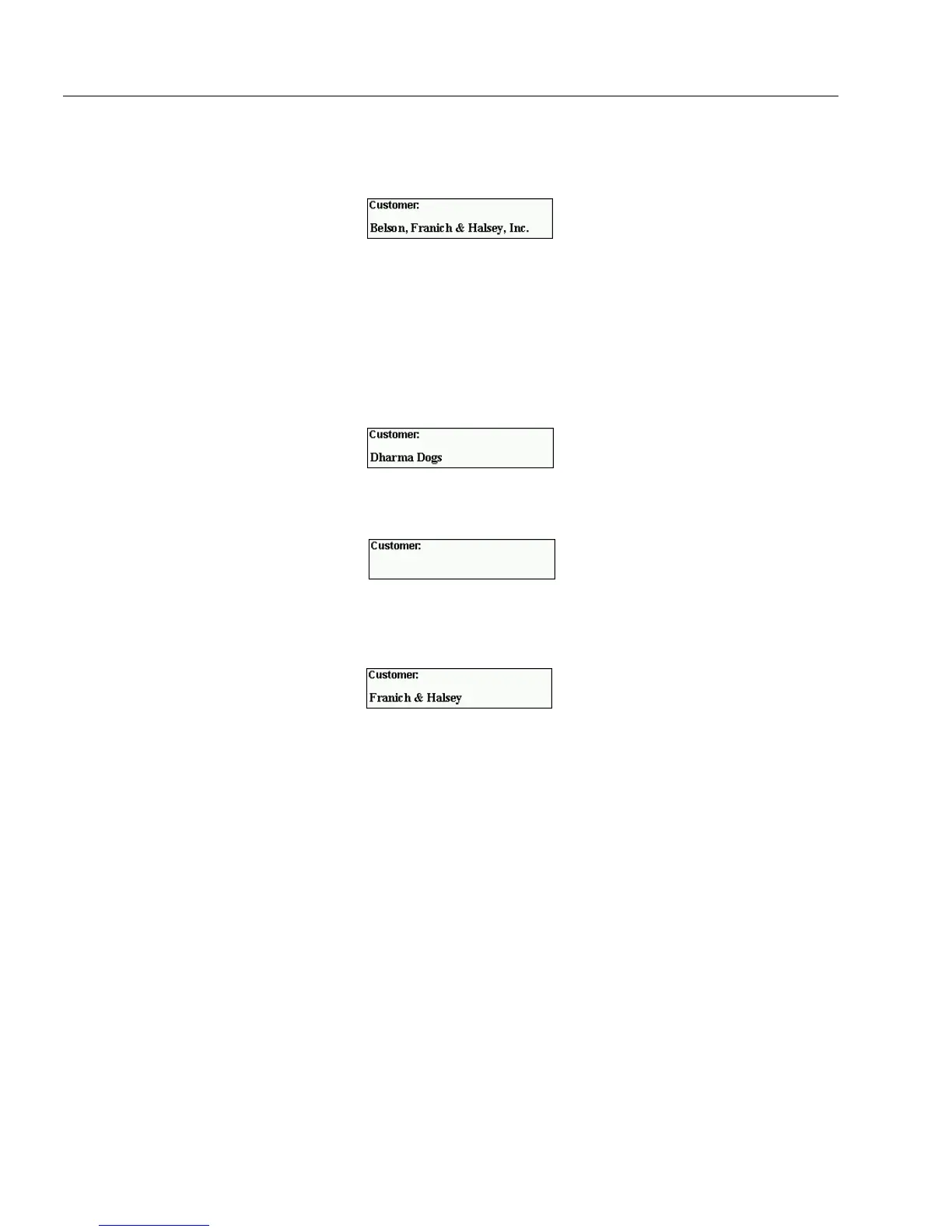
contains:
find records that contain the
Value
entry.
This search finds records that have
Franich & Halsey
entered
anywhere in the
Customer
field.
Be careful when selecting
contains
as one of your conditions.
In a search for the value
male
, for example, your search would
include any records that contained the word male. It would,
therefore, also include records for
female
.
•
does not contain:
find records that do not contain the
Value
en-
try.
This search finds records that do not have
Franich & Halsey
en-
tered anywhere in the
Customer
field.
•
is empty:
find records that have no entry in the selected field.
The
Value
text box is disabled if this is selected.
•
is not empty:
find records that have an entry of any sort in the
selected field.
The
Value
text box is disabled if this is selected.
5 Type the text to find in the
Value
text box.
Information is not case-sensitive. Typing Los Gatos is the same
as typing los gatos.
How OmniForm searches for the information in the
Value
text
box depends on the selection in the
Condition
drop-down list as
described in the previous step.
6 Select an option under
Scope of Search.
• Select
Search All Records in the Database
to search the entire
record set.
• Select
Only Search Current Record Set
to search a subset of
records. This option is only available when you have a found
set open from a previous search.
7Click
OK.



 To Next Page