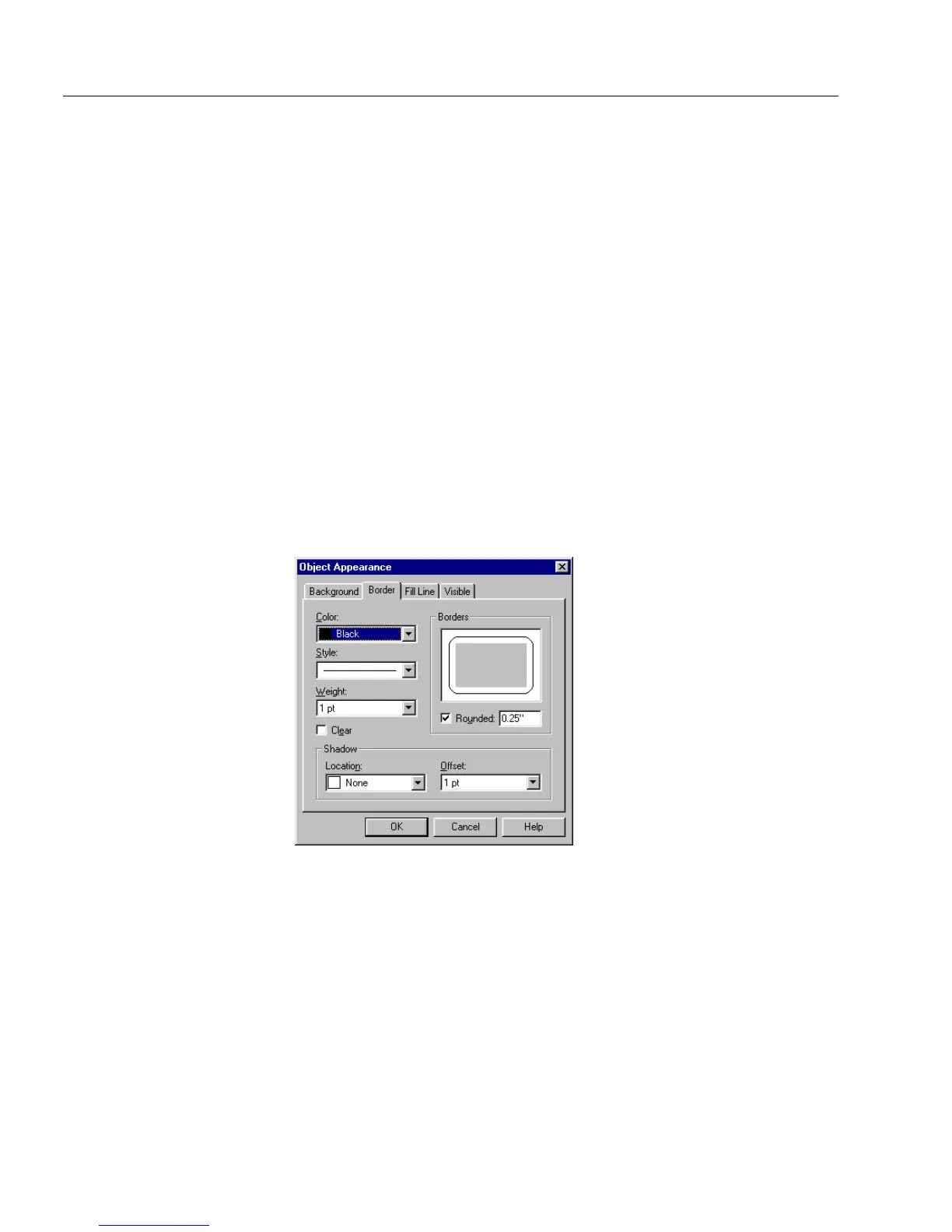
Changing Object Appearance on a Form
88 Chapter 4
Gradient
You can select from Gradient (Horizontal) and Gradient (Vertical).
• Select
Gradient (Horizontal)
to have the background color
gradually change to the pattern color, from top to bottom.
• Select
Gradient (Vertical)
to have the background color gradually
change to the pattern color, from left to right.
Pattern Color
For a color for the background pattern, select a pattern color from the
Pattern Color
drop-down list.
Clear
Make sure that
Clear
is deselected so that your selected colors and
pattern appear as the object’s background.
See “Paint Order” on page 92 for a description of how paint order affects
color and pattern display Border Options
Border options affect the sides of your object. There are six Border
options:
Color
,
Style
,
Weight
,
Clear
,
Borders
, and
Shadow
.
Color
For a border color, select a color in the
Color
drop-down palette. See
“Color” on page 87 for more information about how to choose color.
Style
To change a line style, select
Style
from the drop-down list. You can
select from one continuous line to a variety of dotted line styles.



 To Next Page