169
Available settings for copy jobs
'Copy Output' / 'Quality'
mode
Use this setting to define the 'Quality' of your copied
output. You can select one of the following options.
■ 'Presentation'
■ 'Release'
■ 'Check'
[137]
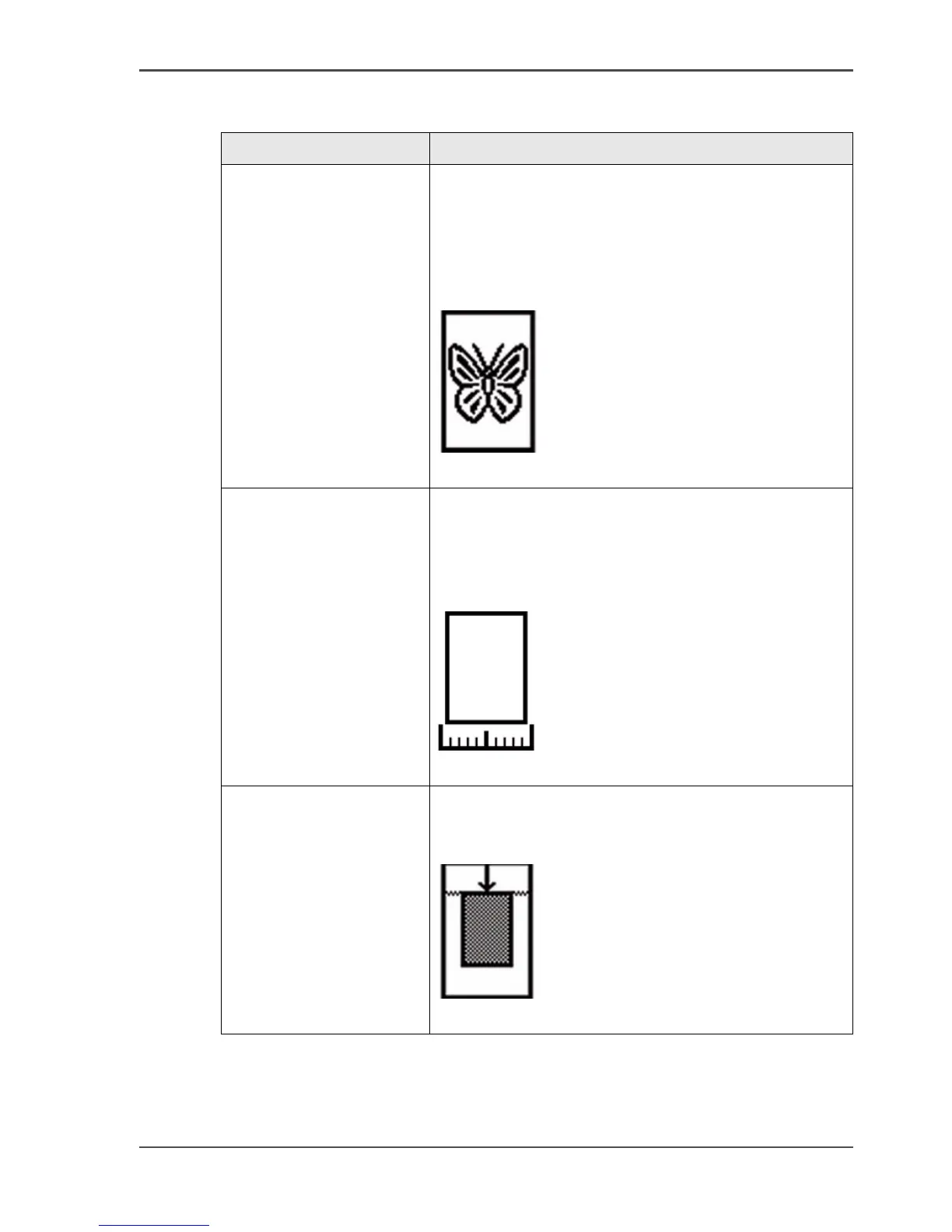
[137] 'Copy Output' / 'Quality' mode (example)
'Original width' Use this setting to define the width of your original.
You can select one of the following options.
■ 'By scanner'
■ 'Custom'
[138]
[138] 'Original width' (example)
'Delete area' Use this setting to make a copy of your original
without a specific area. (see ‘Make a copy and delete a
specific area of an original’ on page 184)
[139]
[139] 'Delete area' (example)
[64] The available settings for copy jobs, a setting can contain more than one
setting. (3 – 6)
Setting Function



 To Next Page