170 Chapter 7 Use the Océ TCS500 for copy jobs
Available settings for copy jobs
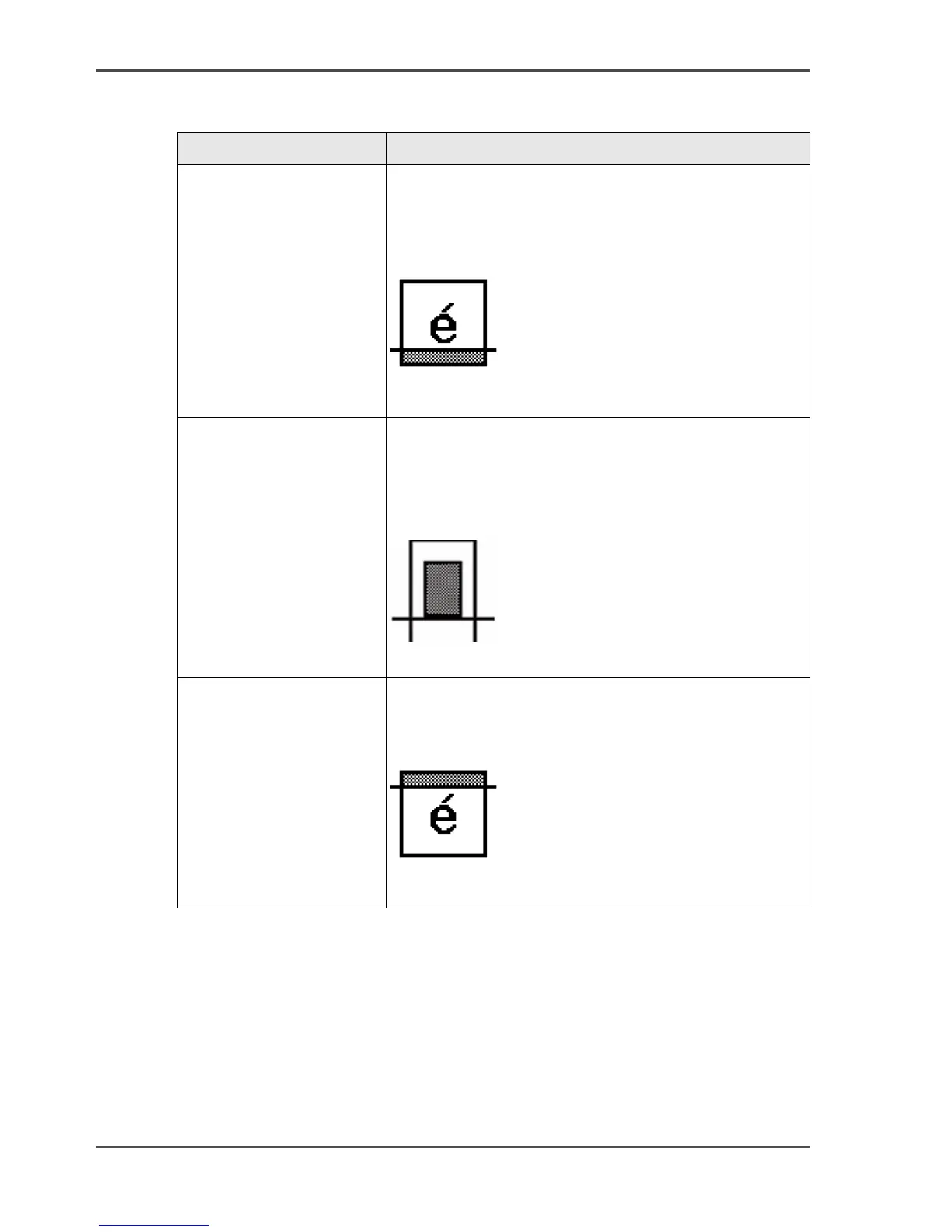
'Remove strip' Use this setting to make a copy of your original
without the selected strips. (see ‘Make a copy and
remove a strip’ on page 180) and (see ‘Make a copy of
a specific area of an original’ on page 182)
[140]
[140] 'Remove strip' (example)
'Cut method' Use this setting to define the cut method of the printer.
You can select one of the following options.
■ 'Synchro'
■ 'Standard'
[141]
[141] 'Cut method' (example)
'Add strip' Use this setting to make a copy of your original with
an additional strip. (see ‘Make a copy and add a strip’
on page 179)
[142]
[142] 'Add strip' (example)
[64] The available settings for copy jobs, a setting can contain more than one
setting. (4 – 6)
Setting Function



 To Next Page