205
Output quality problems
Overview of output quality problems - Colors
[83]
[83] Color problems
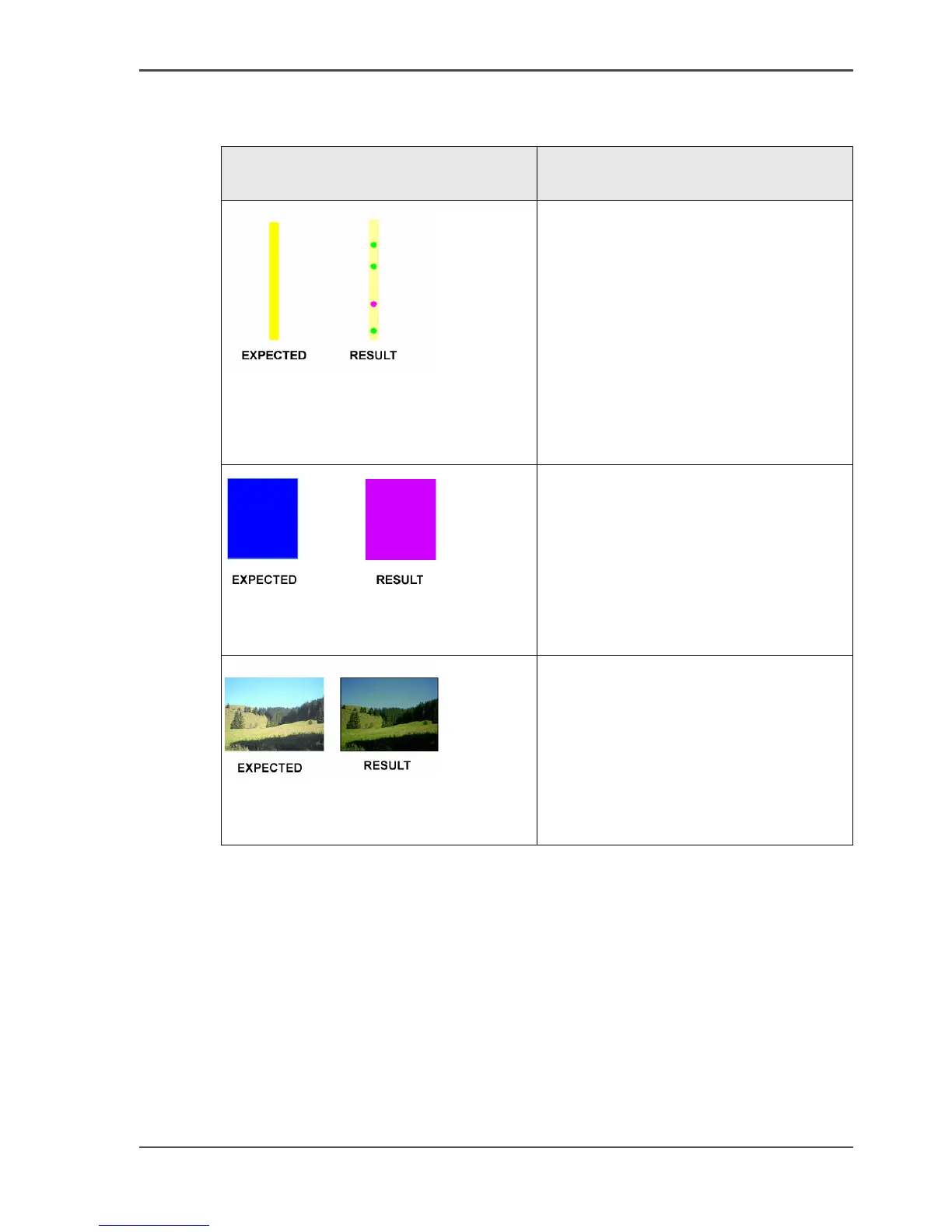
Graphical representation of the
problem
Description
[169]
Weak and polluted lines
Select the 'Océ CAD colors' setting
from the 'Color Management' menu in
the Océ Settings Editor, PEWG (LT) or
Océ Windows Printer Driver.
[170]
Blue lines and areas appear purple
Select the 'Océ CAD colors' setting
from the 'Color Management' menu in
the Océ Settings Editor, PEWG (LT) or
Océ Windows Printer Driver.
[171]
Colors appear too dark and dark
areas are clipped
Select 'Océ enhanced colors' setting
from the 'Color Management' menu in
the Océ Settings Editor, PEWG (LT) or
Océ Windows Printer Driver.
Set the subset 'Rendering intent' to
'Perceptual (photo)'.



 To Next Page