37
The on-line mode and the off-line mode
[12]
Use the upper softkeys to scroll through the information tabs.
Note: The information on the on-line screen is also available in the Océ System
Control Panel.
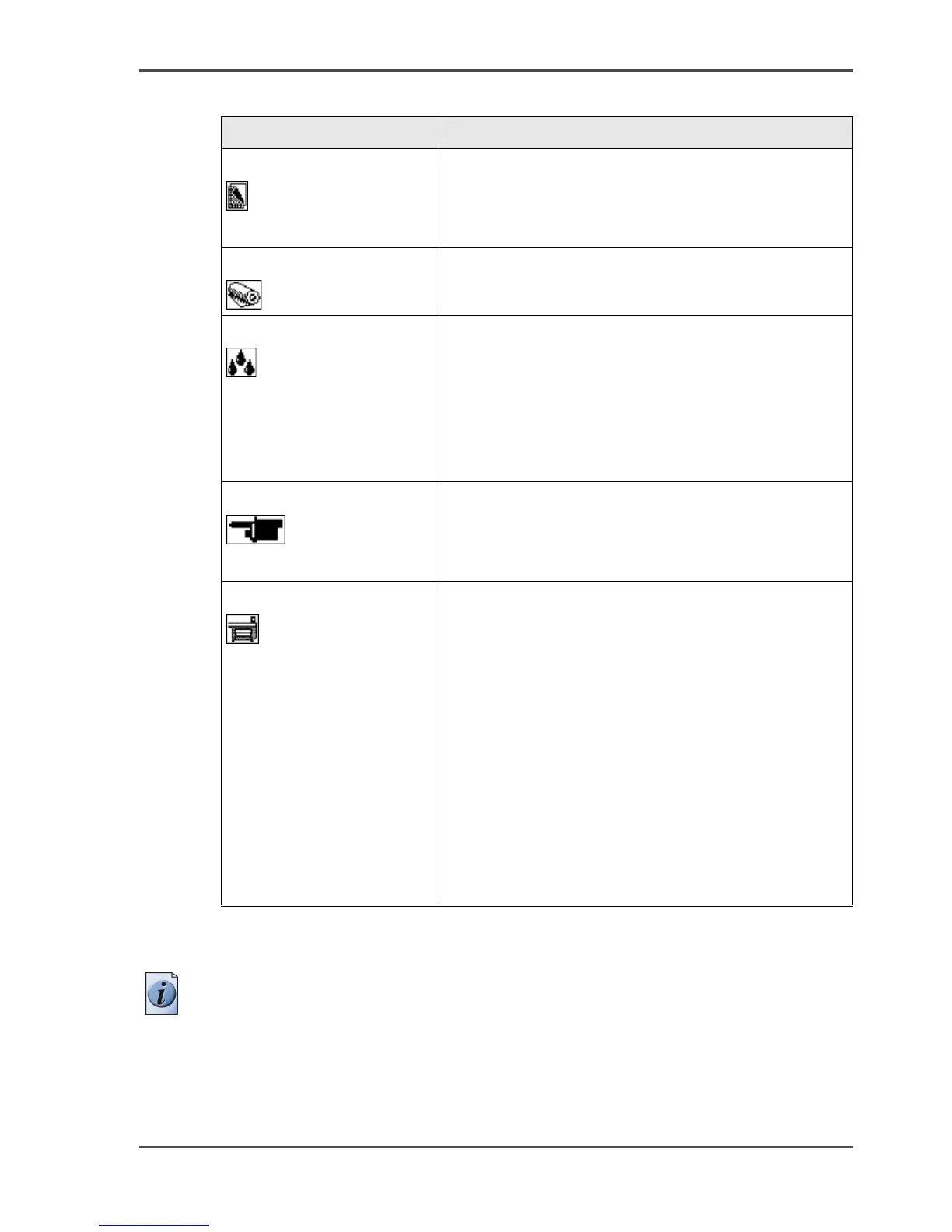
[12] On-line mode - Information cards
Information card Displayed information
Job information
[10]
■ Job status
■ Job name
■ Progress indication
■ Selected print mode
Media information
[11]
The media types and media sizes loaded on the
system
Ink level information
[12]
There are four indication types.
■ Percentage of ink in a tank (1% - 100%).
■ 'Ink tank empty' (0%). The indication for the
empty tank blinks and an exclamation symbol is
added.
■ The ink tank is not in place. The indication shows
a dashed indication for the tank.
Printhead information
[13]
The status of each printhead. There are two status
types.
■ All printheads OK
■ Printhead error
System information
[14]
■ Error messages and warnings about the
maintenance cassette.
Select the lower left softkey 'Demo print' to do the
following.
■ Make a demo print.
■ Print an overview of the current Settings Editor
settings.
■ Print a quality check print.
■ Print a tone scale area check print.
Select the lower right softkey 'Language' to do the
following.
■ Toggle between two display languages.



 To Next Page