38 Chapter 2 Get to know the Océ TCS500 color printing system hardware
The on-line mode and the off-line mode
The off-line mode
Press the on-line / off-line key to enter the off-line mode. When the printer is in the
off-line mode, the green LED is off. The printer operator panel displays a set of
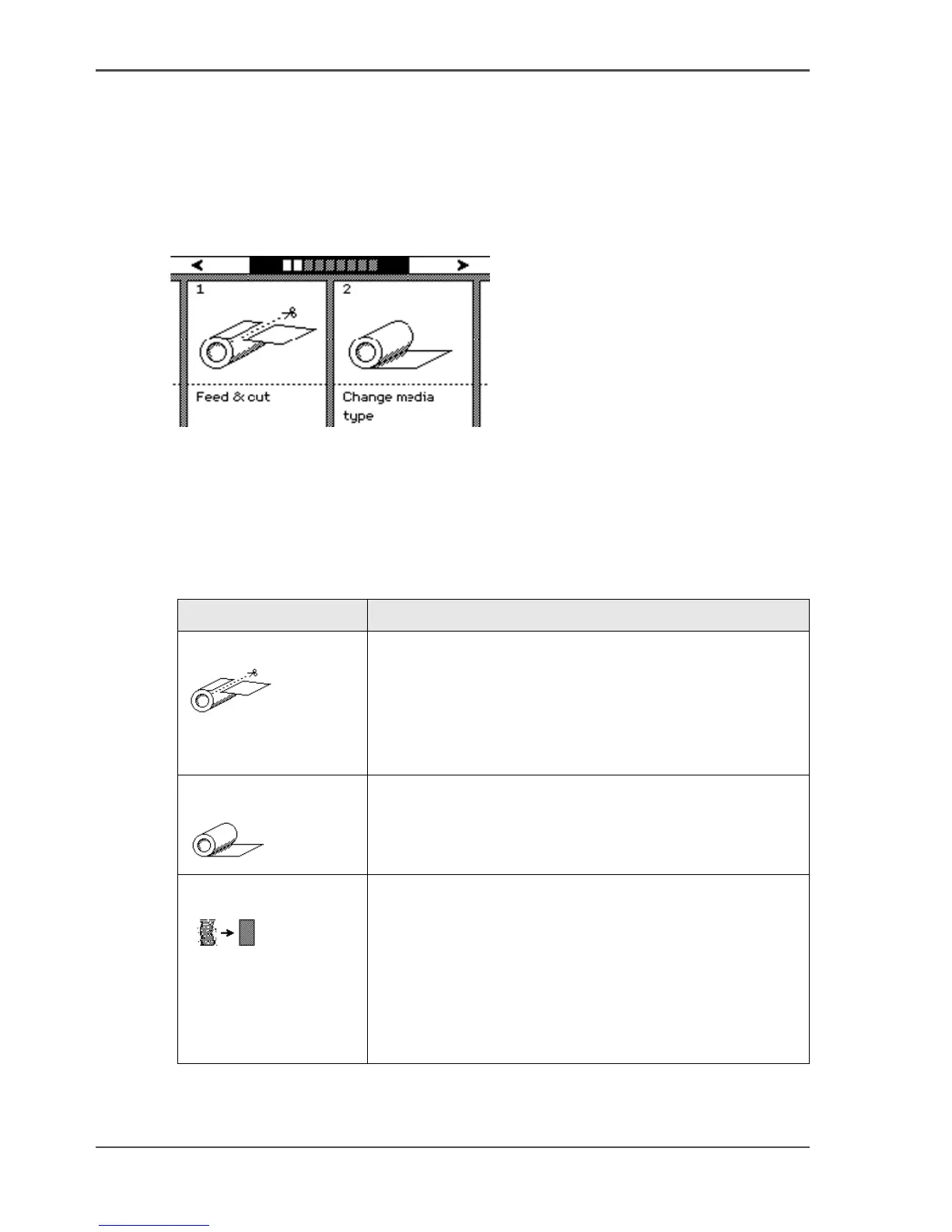
wizards. A wizard always requires a user action. When you initially enter the off-line
mode, the printer operator panel displays the wizards 1 and 2. The next time you
enter the off-line mode, you return to the previous position.
[15]
[15] The off-line mode
Use the upper softkeys to navigate through the wizard cards (graphical
representation of the wizards) and through the wizard steps ('Back', 'Next'). Use the
lower softkeys to select a wizard card or an option within the wizards.
You can select the following wizards.
[13]
[13] Overview Océ TCS500 printer wizards (1 – 2)
Wizard Reference
'Feed & cut'
[16]
(see ‘Cut the output and clean cut a roll of media’ on
page 152)
Use this wizard to do the following.
■ Cut the output.
■ Clean cut a roll of media. Use this option to cut the
roll so that the edge is straight.
'Change media type'
[17]
(see ‘Replace the media’ on page 241)
Use this wizard to correct the type of media when an
incorrect media type was defined when the roll was
loaded.
'Optimize print quality'
[18]
(see ‘Use the Optimize print quality wizard’ on page 212)
Use this wizard to correct problems with the output
quality. The wizard performs the following actions.
■ Detect weak or failing nozzles.
The Océ TCS500 automatically compensates the
detected nozzles in future prints to make sure that
print quality is optimal.
■ Align the printheads and optimize the paper transport.



 To Next Page