39
The on-line mode and the off-line mode
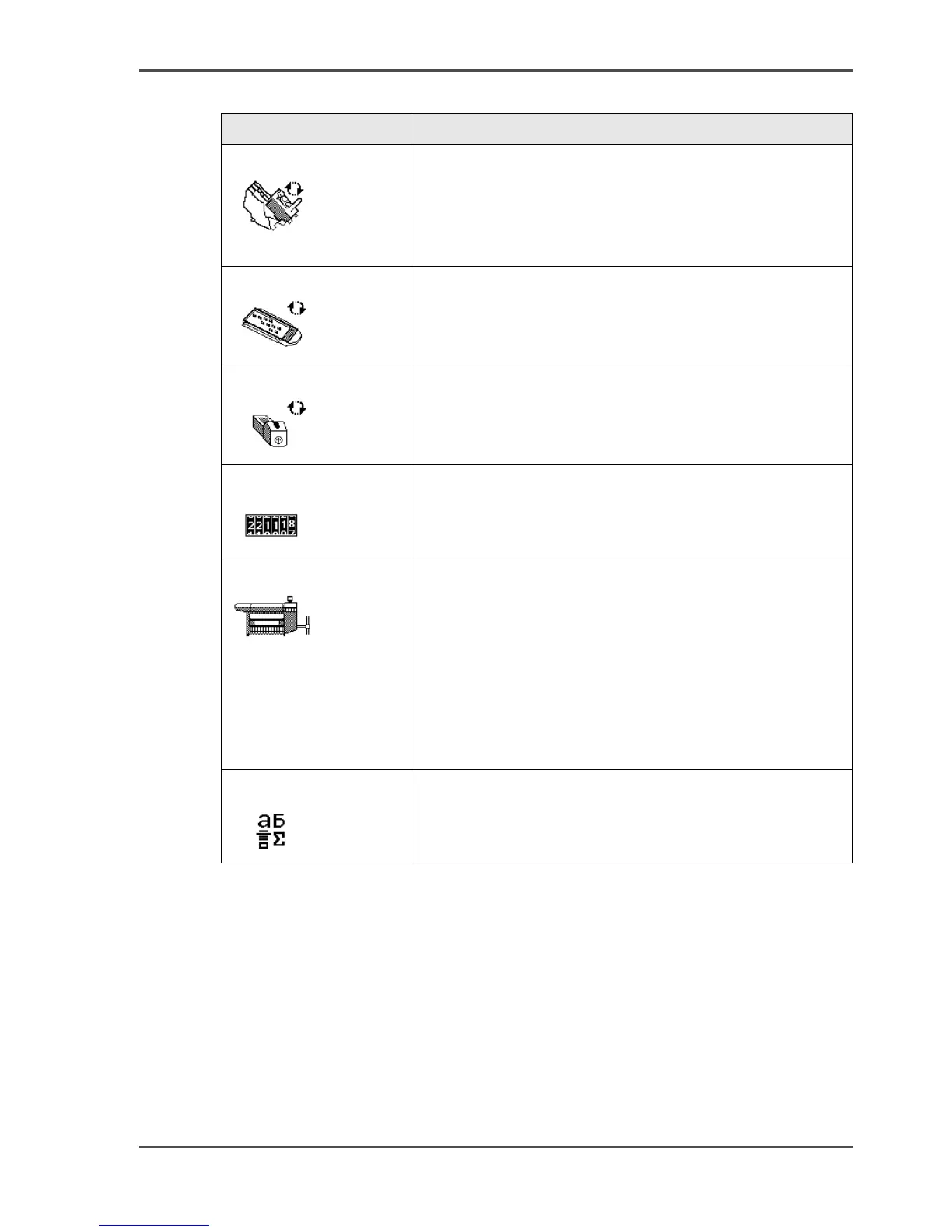
'Replace printhead'
[19]
(see ‘Replace a defective printhead’ on page 251)
Use this wizard to replace a defective printhead, after the
printer operator panel displays an error message and
prompts you to replace the defective printheads. Only
replace the printheads the system indicates.
'Replace cassette'
[20]
(see ‘Replace the maintenance cassette’ on page 256)
Use this wizard to replace the maintenance cassette, after
the printer operator panel displays the message
'Maintenance cassette nearly full.'.
'Replace ink tank'
[21]
(see ‘Replace the ink tanks’ on page 248)
Use this wizard to replace the ink tank when the ink level
indicator on the printer operator panel shows 0%. The
indicator flashes when the ink tank is empty.
'Display counters'
[22]
Select this wizard to check the amount of media and ink
that is used since the system was installed. Press the
softkey for 'Finish' to return to the off-line screen.
'Configure system'
[23]
(see ‘Configure the network settings of the Océ TCS500’
on page 66)
You can perform the following actions in the 'Configure
system' wizard.
■ Configure the network settings.
■ Clear the set memory (see ‘Clear the set memory’ on
page 271).
Use this option for a damaged job that you cannot
delete in the Océ Queue Manager.
'Language'
[24]
Toggle between the two languages that you defined in the
Océ Settings Editor. (see ‘Define the display language of
the Océ TCS500’ on page 62)
[13] Overview Océ TCS500 printer wizards (2 – 2)
Wizard Reference



 To Next Page