50 Chapter 3 Prepare the Océ TCS500 for use
Turn on and off the Océ TCS500 printer and the Océ Power Logic® Controller
[34]
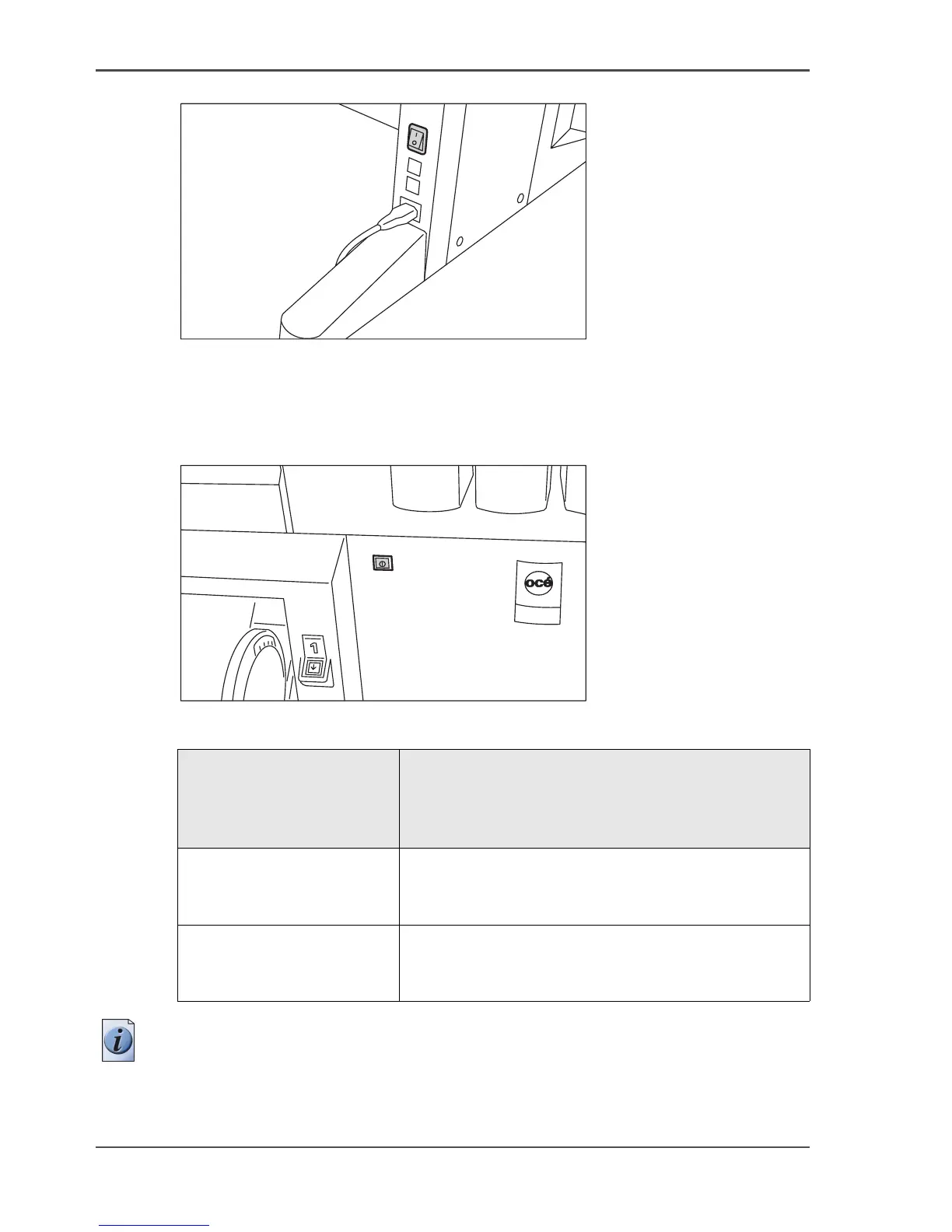
[34] The power switch on the backside of the printer.
Turn on the Océ Power Logic® controller and the printer
[35]
[35] The On / off button of the printer (front)
[16]
Note: When you turn on the Océ Power Logic
®
controller, the Océ Power
Logic
®
controller needs some preparation time before it can handle jobs. The
preparation time for print jobs is two and a half minutes.
Setting Key Operator -
Printer - Settings -
Synchronize controller
power on / off
Action
Set to 'On' Press the On / off button on the printer
The Océ Power Logic
®
controller and the printer
both start up.
Set to 'Off'. 1. Press the On / off button on the Océ Power Logic
®
controller.
2. Press the On / off button on the printer.



 To Next Page