64 Chapter 3 Prepare the Océ TCS500 for use
Define the display language of the Océ TCS500
How to change the display language on the off-line screen of the printer operator
panel
Note: Only the first language (default language) and the second language
(alternative language) defined in the Océ Settings Editor are available on the
operator panels.
6. Press the on-line / off-line key to set the printer off-line.
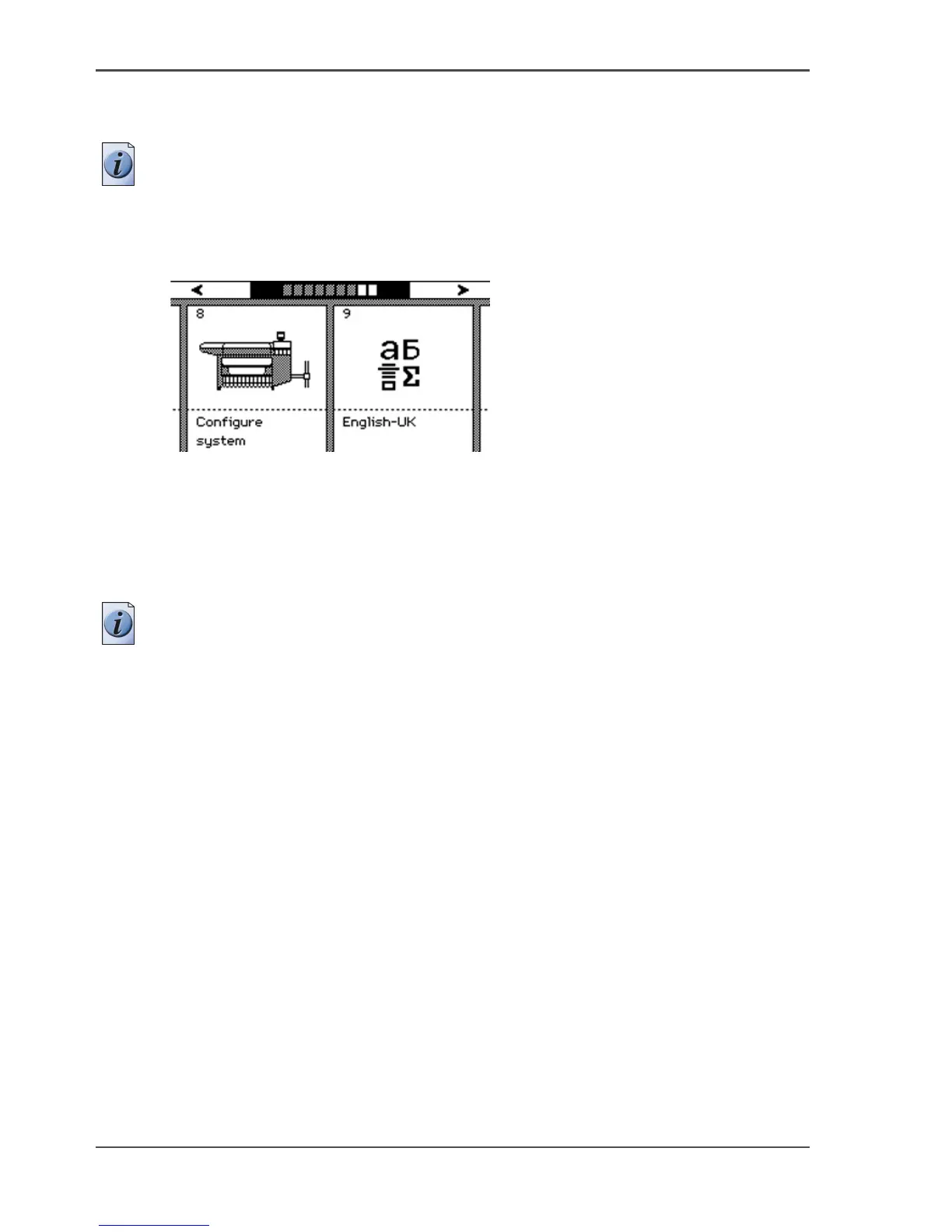
7. Use the upper softkeys to scroll to the 'Language' card.
[38]
[38] The language card on the off-line screen
8. Press the softkey below the 'Language' card to toggle between the first language and
the second language.
How to change the display language on the scanner operator panel
Note: Only the first language (default language) and the second language
(alternative language) defined in the Océ Settings Editor are available on the
operator panels.
9. Press the upper left softkey to return to the home screen.



 To Next Page