79
The user interface of the Océ Settings Editor
The left toolbar
[28]
Click a button to access the special group of settings of this button. A shadow
highlight indicates which button is activated.
The on-line help in the Océ Settings Editor includes complete information about the
different settings.
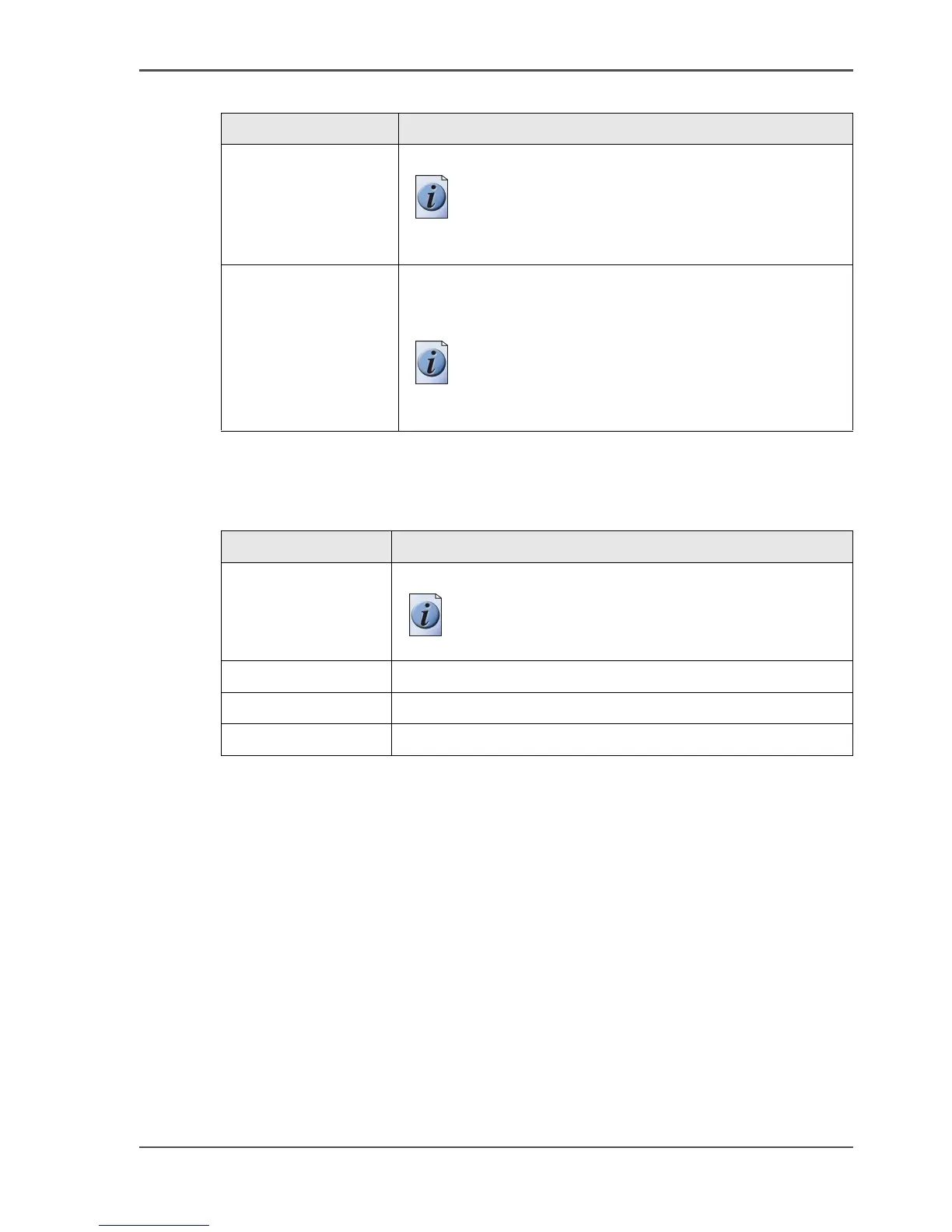
'Apply' Apply the changes you made to the settings.
Note: The button is enabled after you change a
setting. The button is disabled after you apply
the settings, or after an undo action.
'Undo' Restore the settings to the state before the settings were
changed. The 'Undo' button does not restore the factory
default.
Note: The button is enabled after you change a
setting. The button is disabled after you apply a
changed setting.
[27] The buttons of the top toolbar (2 – 2)
Button Function
[28] The buttons of the left toolbar
Button Function
'Jobs' Gives access to the settings for the jobs.
Note: The 'Jobs' button is only available in the
key operator view.
'Printer' Gives access to the settings for the printer.
'System' Gives access to the settings for the system.
'Scanner' Gives access to the settings for the scanner.



 To Next Page