80 Chapter 4 Use the PLC applications to control your workflow
The user interface of the Océ Settings Editor
The settings area
[29]
The status bar
The status bar at the bottom of the Océ Settings Editor displays the following (from
left to right).
■ The system status ('Connected' or 'Disconnected').
■ The system name ('Localhost' if you are working on the controller).
■ The user mode ('Key Operator', 'System Administrator' or 'Anonymous' (repro
operator)).
■ The view mode ('Key Operator settings' or 'System Administrator settings').
[30]
[29] The parts of the settings area
Part Function
Tree structure Display the settings.
Open a folder to show all the settings in that folder.
The display does not include the unavailable settings for the
system components.
Update area Define the settings selected in the tree structure.
The update area can contain additional information
(definition and values) about the selected setting.
Only authorized users can change the settings. If the user is
not authorized to change a setting, the update area is grayed
out.
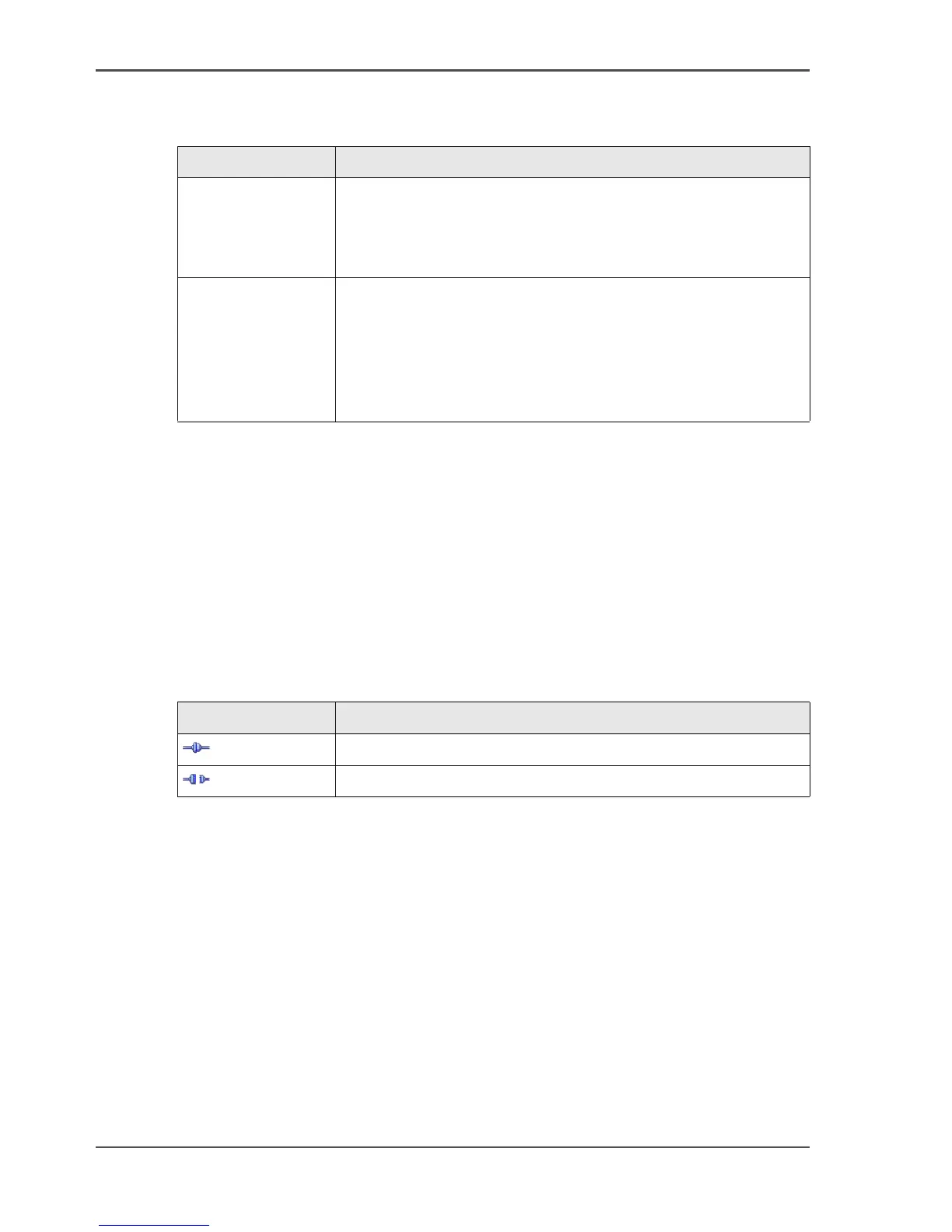
[30] The icons for the connection status
Icon Description
[52]
The Océ Settings Editor is connected to a system.
[53]
The Océ Settings Editor is not connected to a system.



 To Next Page