8.2 Replacing Batteries of the radEAGLE radEAGLE User Manual
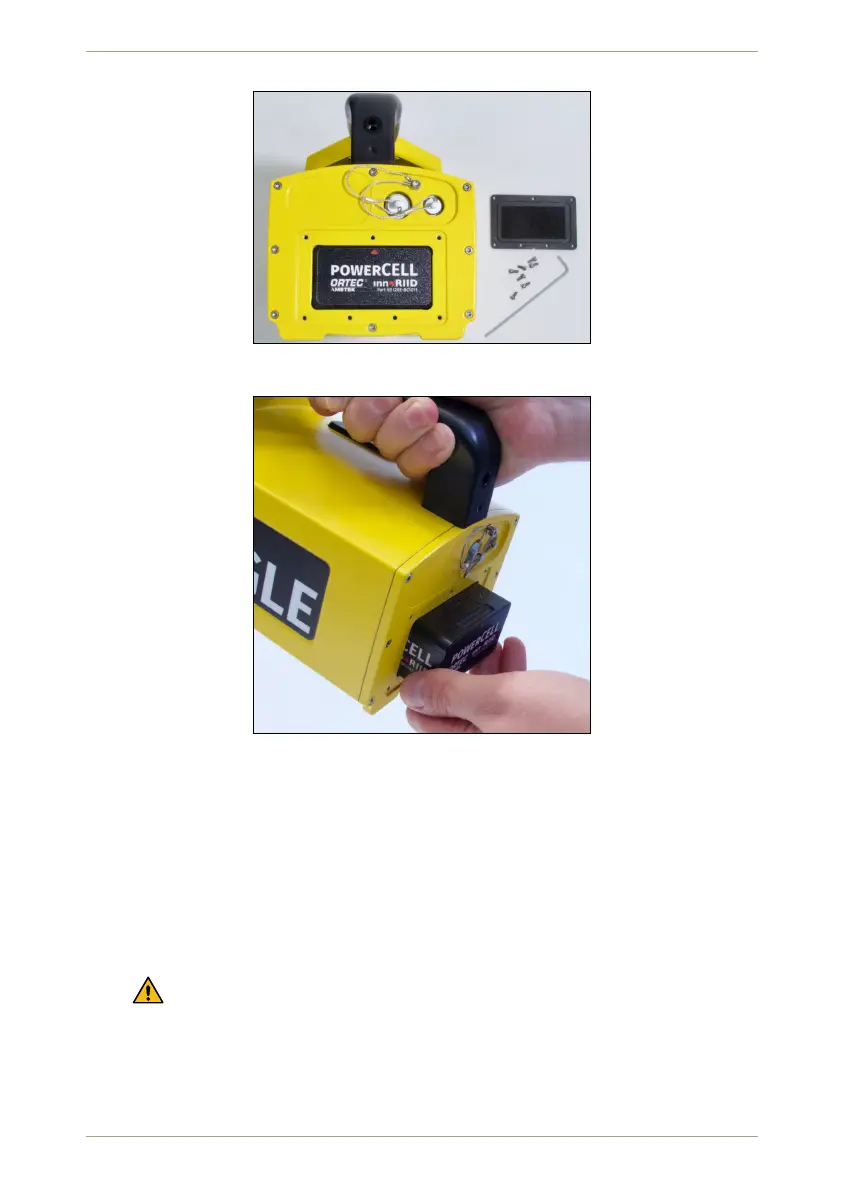
Figure 135: powerCELL in the radEAGLE after removing the cover
Figure 136: Removing the powerCELL with gravity assistance
– The red triangle at the back side of the powerCELL must point towards the
top of the instrument.
2. Move the battery pack until it is completely in the compartment.
3. Check the cover plate, especially the O-ring surrounding the foam rubber, for dirt or
damages (Fig. 138, p. 113).
4. Put the coverplate into place.
Observe the orientation mark. The notch in the center of a long edge of the plate
must point towards the bottom of the radEAGLE (Fig. 139, p. 113).
5. Insert the screws into the holes of the cover plate and fasten them with a hex key.
112/147 Software 3.2.12 • Document 3.3.0o © innoRIID GmbH • 2019-04-11



 To Next Page