radEAGLE User Manual Using the radEAGLE
2.3 Starting Up the radEAGLE
1. Position the instrument in a low-radiation environment.
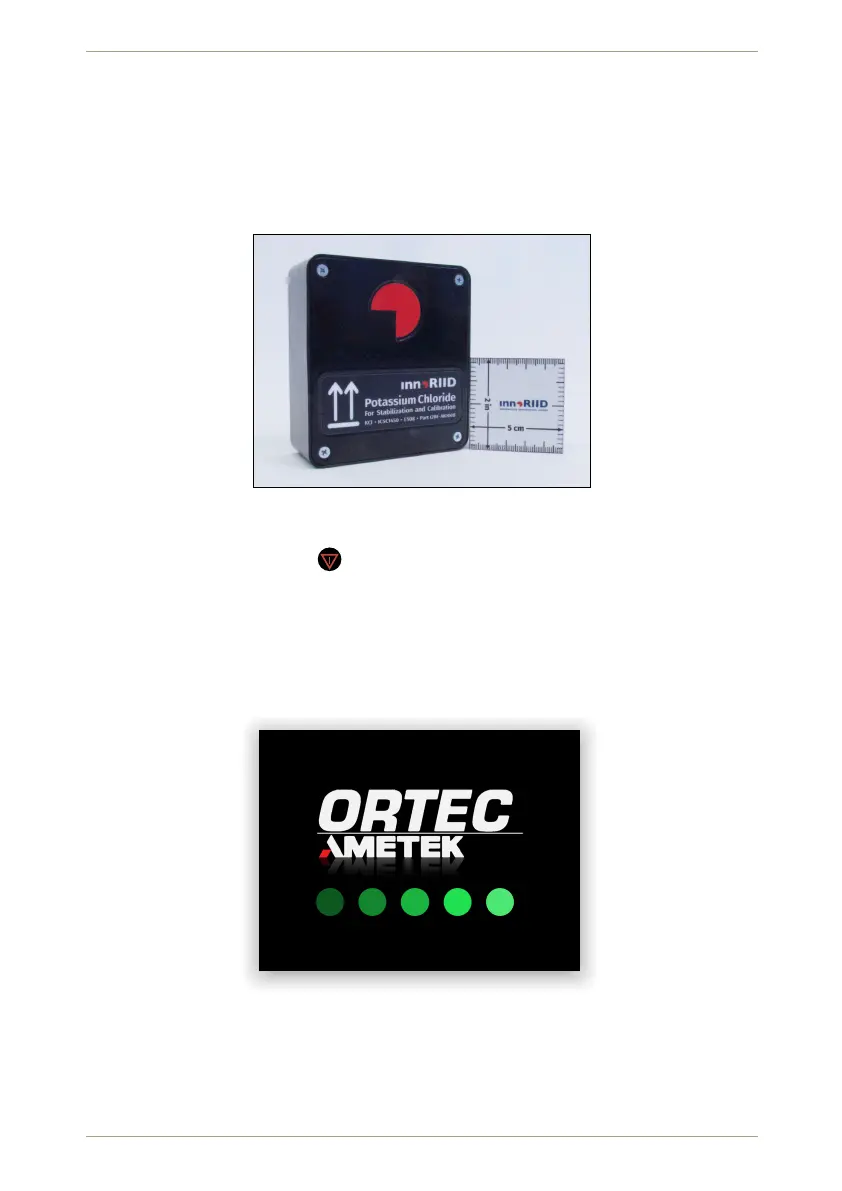
2. Position the supplied KCl (pottasium chloride) box (Fig. 17, p. 29) in front of the detec-
tor cap if your radEAGLE has no built-in source.
Figure 17: Box with potassium chloride (KCl) for stabilization and calibration
3. Press and hold down the key (Fig. 9, p. 24). (Ensure the battery slide switch behind
the latch (Fig. 2a, p. 15) is in the top postion “ON”.)
4. After a couple of seconds the instrument begins to boot when the alarm LEDs (Fig. 1,
p. 14) begin to flash.
5. You are welcomed by the start-up screen with dots appearing from left to right
(Fig. 18, p. 29).
Figure 18: Starting the radEAGLE
6. The
radEAGLE
begins an initial stabilization (Fig. 19, p. 30, see C.1, p. 127 for details).
7. When the stabilization source is identified it is shown (Fig. 20, p. 30).
© innoRIID GmbH • 2019-04-11 Software 3.2.12 • Document 3.3.0o 29/147



 To Next Page