radEAGLE User Manual Using the radEAGLE
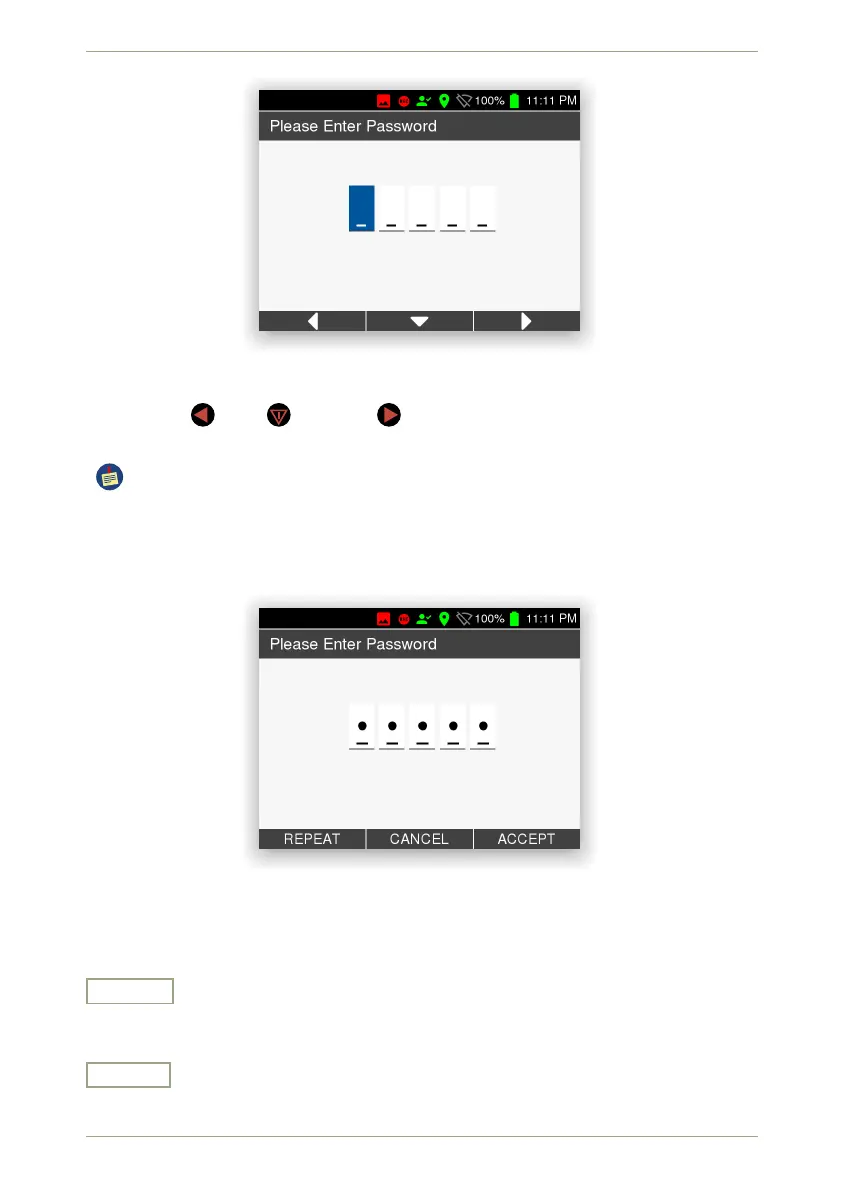
Figure 14: Entering the password
Use the keys for L, for C, and for R to enter the five-character password of L,
C and R.
The factory password is always L C R L C.
Change your password (see 5.23, p. 75) after receiving the instrument to prevent
unauthorized persons from manipulating the protected settings.
After pressing five keys the available commands change (Fig. 15, p. 27).
Figure 15: After entering the password
Settings and Commands
Repeat
Repeat the entry in case you are not sure whether you pressed they keys in the correct
sequence.
Cancel
Cancel the password entry and quit accessing the protected settings.
© innoRIID GmbH • 2019-04-11 Software 3.2.12 • Document 3.3.0o 27/147



 To Next Page