radEAGLE User Manual radEAGLE Advanced Menu
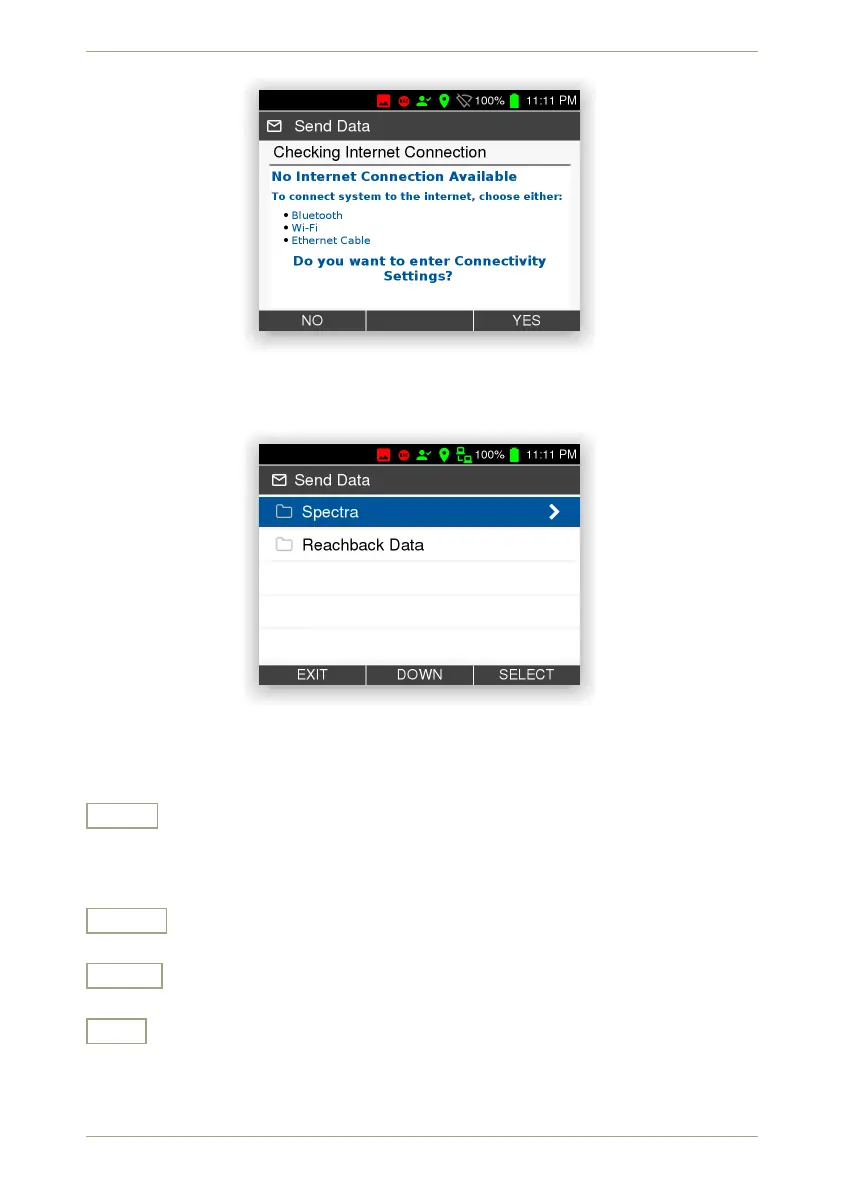
Figure 91: No Internet connection
If there is a connection, you can specify which type of files to mail (Fig. 92, p. 79).
Figure 92: File types for mailing
From the list of available files you can select those to be included in the mail attachment
(Fig. 93, p. 80).
Send
Send the marked files. The files will be combined into a *.zip archive and sent as
an attachment to the address you specified (5.6, p. 51). You have to confirm (Fig. 94,
p. 80) and will be informed about success.
Select
Select the highlighted item.
Down
Highlight the next item. Cycles to the top item after you reached the last item.
Exit
Return to the superior screen.
© innoRIID GmbH • 2019-04-11 Software 3.2.12 • Document 3.3.0o 79/147



 To Next Page