2.4 Switching Off the radEAGLE radEAGLE User Manual
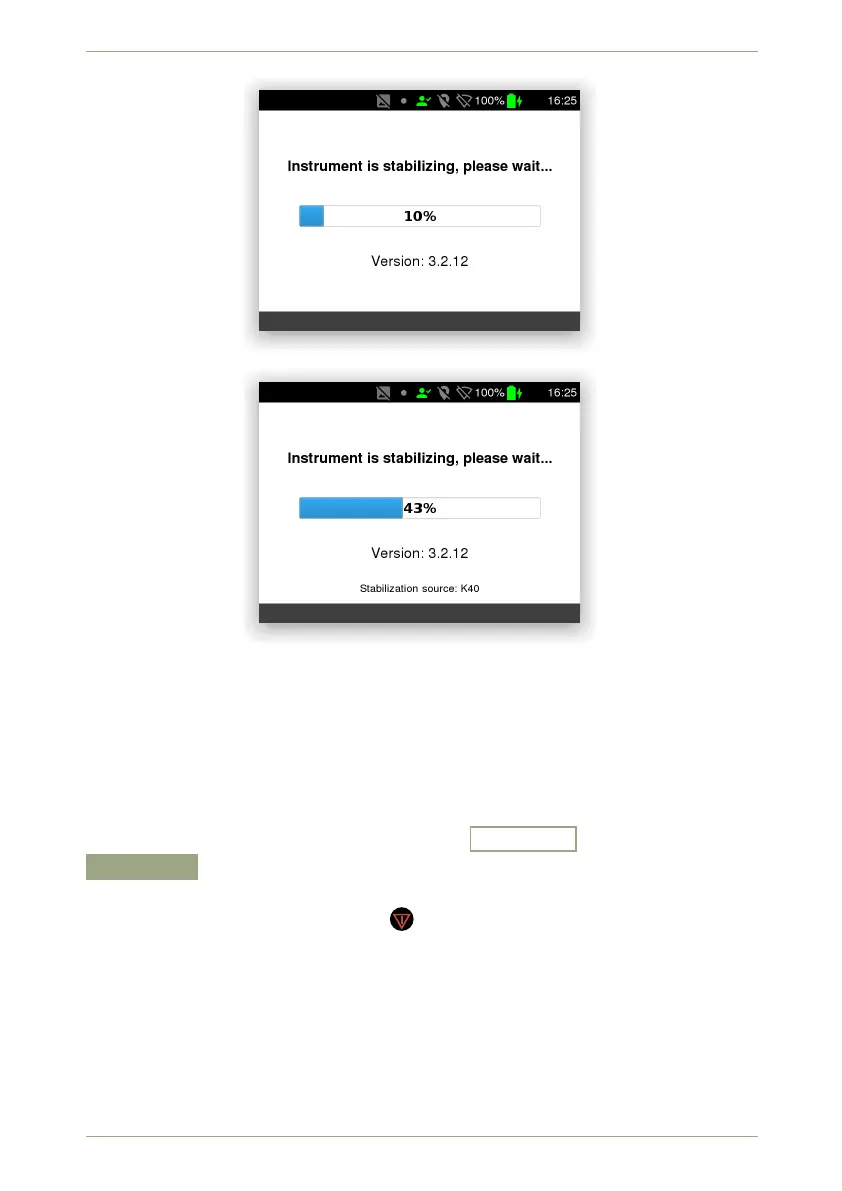
Figure 19: Initial stabilization
Figure 20: Initial Stabilization after identification of the stabilization source
8. After the stabilization the radEAGLE switches to Dose Rate Mode (see 3.1, p. 31).
9. Watch the stabilization status icon on the screen (see 2.1, p. 21).
2.4 Switching Off the radEAGLE
To switch off the instrument, navigate to the Advanced menu and select the
Shutdown command (see 5.29, p. 82). You will be prompted to confirm in case you
change your mind (Fig. 97, p. 82).
Another method to shut down is to hold for 10 seconds or longer.
30/147 Software 3.2.12 • Document 3.3.0o © innoRIID GmbH • 2019-04-11



 To Next Page