5.11 USB Connections radEAGLE User Manual
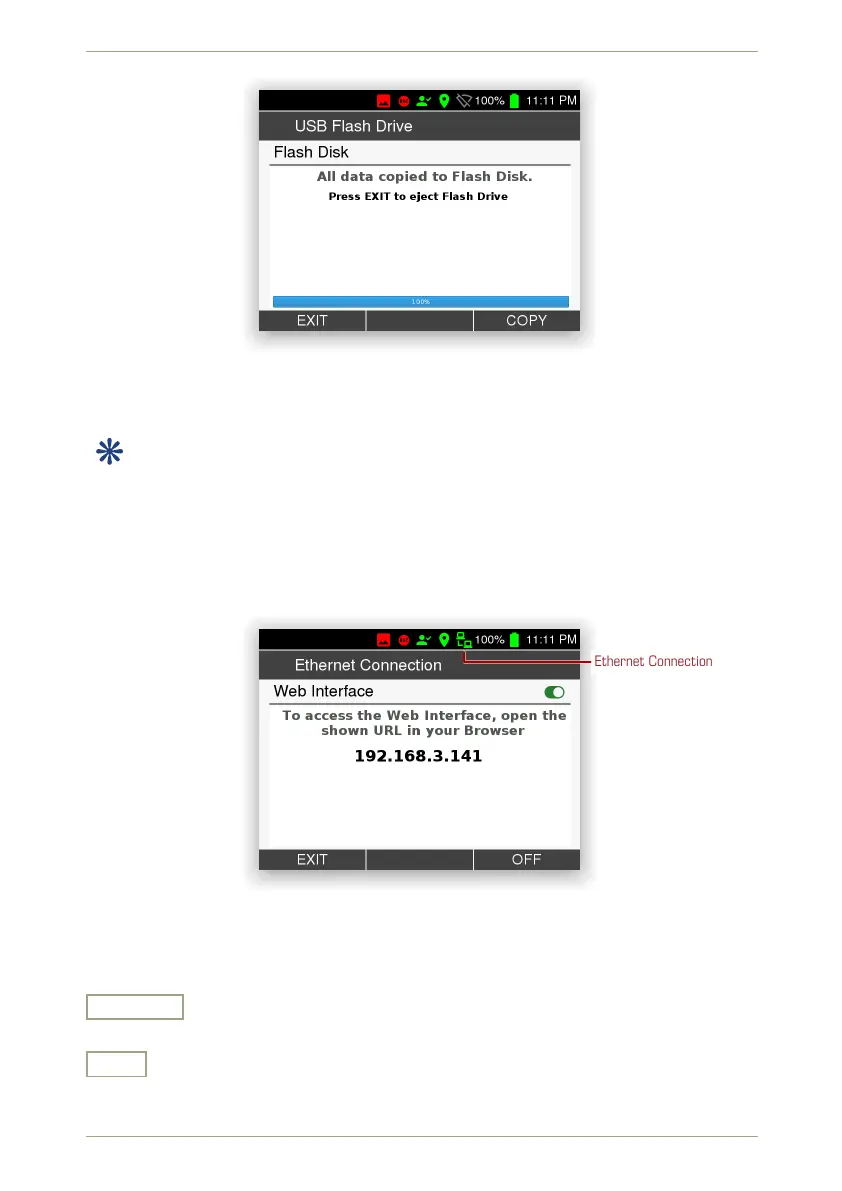
Figure 60: Data transfer complete
5.11.3 USB Ethernet Adaptor
This item is available while a USB to LAN adaptor is plugged into the radEAGLE’s USB-
A port.
The radEAGLE connects to a Local Area Network and obtains an IP address from the net-
work’s DHCP server.
This screen shows information about the status of the Web interface and the IP address to
connect to from the Web browser (Fig. 61, p. 60).
Ethernet Connection
Figure 61: Ethernet LAN connection information
Settings and Commands
On • Off
Switch the Web interface (see 7, p. 85) on or off.
Exit
Return to the superior screen.
60/147 Software 3.2.12 • Document 3.3.0o © innoRIID GmbH • 2019-04-11



 To Next Page