5.13 GPS radEAGLE User Manual
5.13 GPS
This item is available for radEAGLE models equipped with a GPS receiver (see E.1,
p. 135).
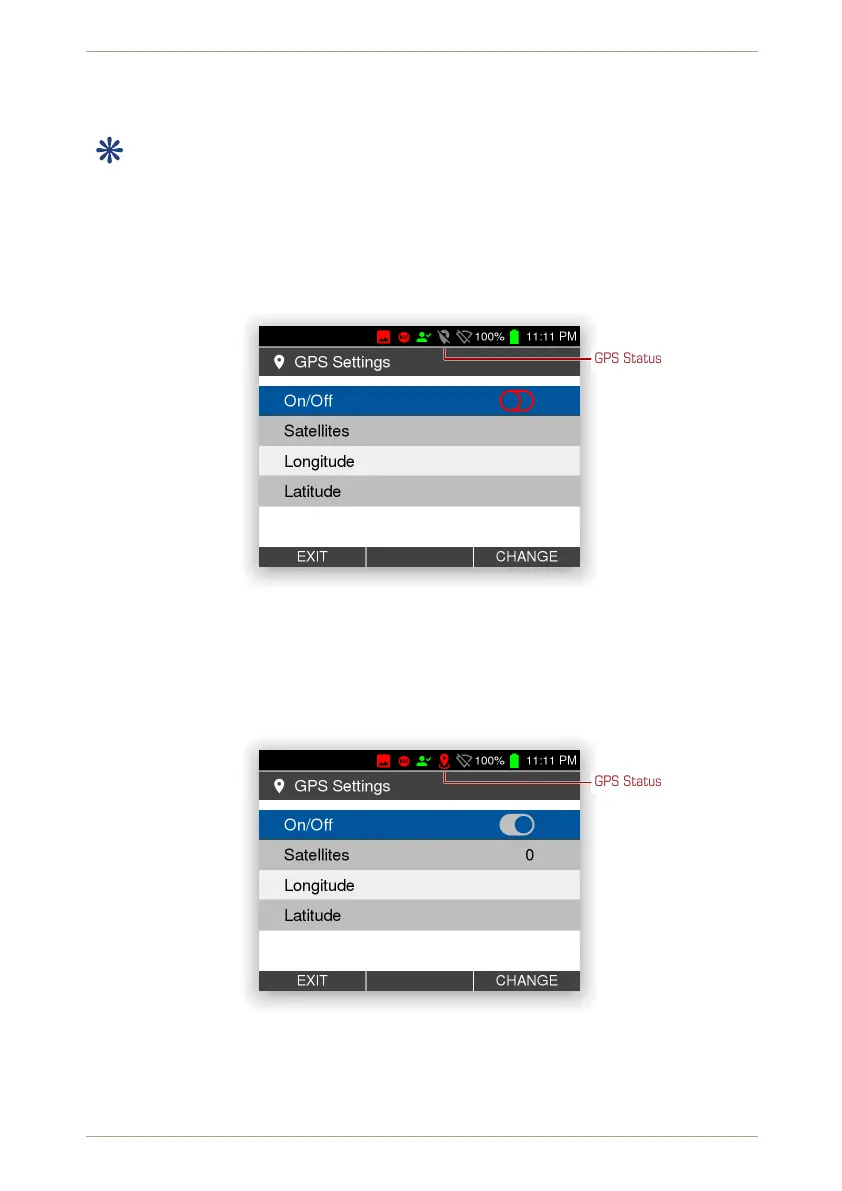
This screen (Fig. 63, p. 62) has the switch for the GPS receiver and shows your location, if
available.
The current GPS status is indicated by a symbol in the status area (see 2.1, p. 21)
GPS Status
Figure 63: The GPS settings when GPS is off
When you switch on the GPS receiver, it starts to determine the location. For that it needs
to receive data from a sufficient number off NAVSTAR satellites. The current number is
shown, see Fig. 64, p. 62, and increases after some time, see Fig. 65, p. 63.
GPS Status
Figure 64: The GPS settings immediately after switching on GPS
If the GPS receiver has sufficient data from enough satellites (“has a fix”), your location ist
shown, see Fig. 66, p. 63.
62/147 Software 3.2.12 • Document 3.3.0o © innoRIID GmbH • 2019-04-11



 To Next Page