radEAGLE User Manual radEAGLE Advanced Menu
The Wi-Fi hardware can be used for either connecting to an existing network or es-
tablishing a hotspot network but not both at the same time.
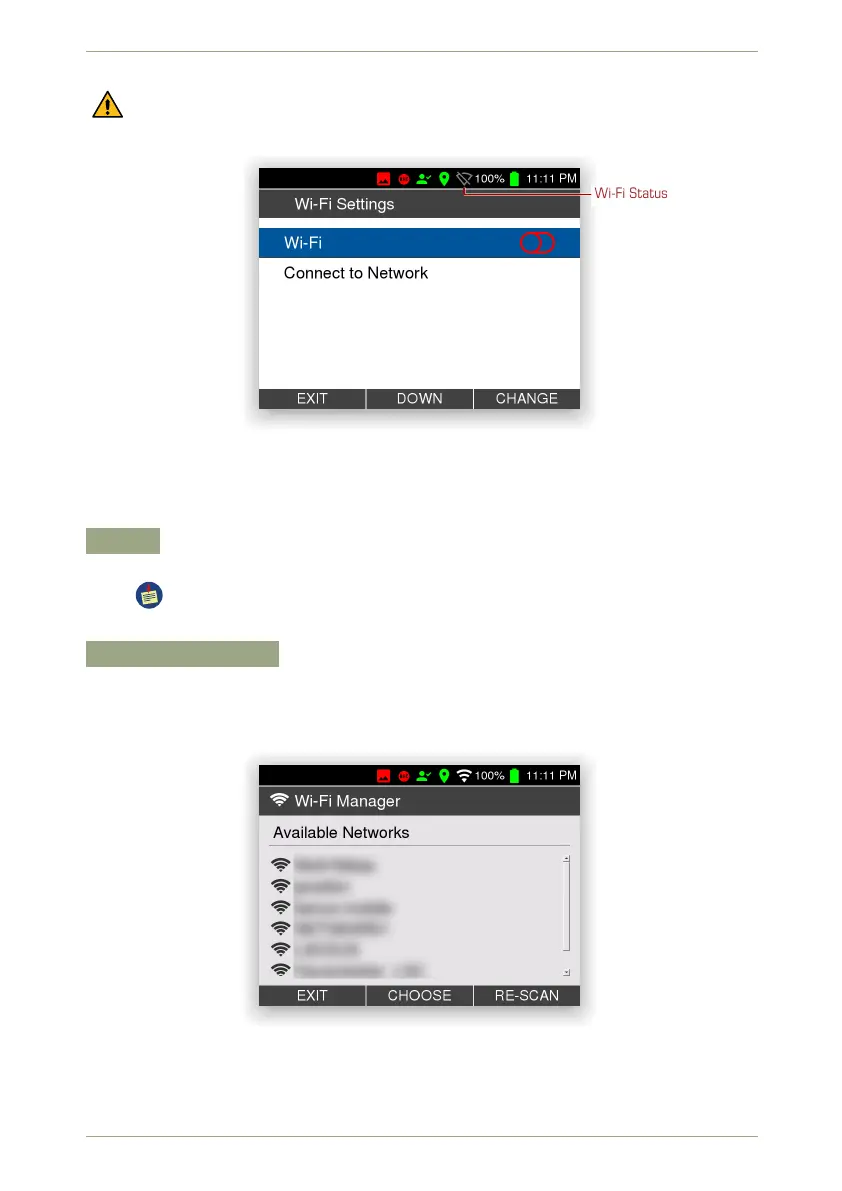
Wi-Fi Status
Figure 48: The Wi-Fi settings
Settings and Commands
Wi-Fi
Switch the Wi-Fi dongle on or off.
If you radEAGLE finds a wireless network you connected to before (see below),
it will re-connect without asking for credentials.
Connect to Network
Let the radEAGLE search your site for available Wi-Fi networks.
After a moment the list of available access points is shown from which you can choose
one to log in (Fig. 49, p. 53).
Figure 49: Available Wi-Fi access points
You will probably be prompted for a password. If in doubt, ask the administrator of the
network you try to connect to.
© innoRIID GmbH • 2019-04-11 Software 3.2.12 • Document 3.3.0o 53/147



 To Next Page