radEAGLE User Manual radEAGLE Web Interface
7.4.1.4 Spectrum Details
Ü To show detailed information for the spectrum…
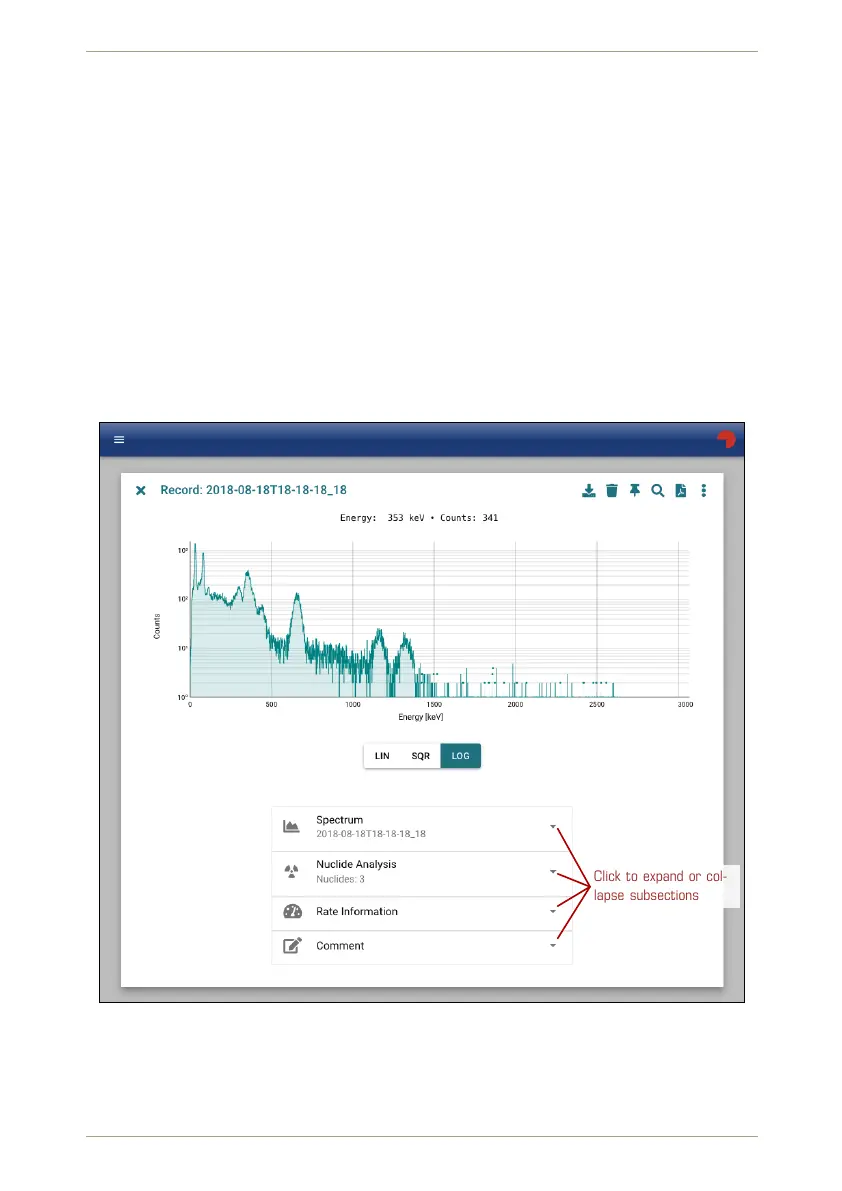
1. Click . Details will be shown in several subsections below the diagramm.
2. Click the triangles to expand or collapse subsections. (Fig. 110, p. 95, Fig. 111, p. 96).
You can change the vertical scaling of the spectrum diagram.
LIN Linear scaling (the default).
SQRT Square Root scaling.
LOG Logarithmic scaling.
The current scaling is accented below the diagram (Fig. 110, p. 95).
RADEAGLE
18181
Click to expand or col-
lapse subsections
Figure 110: Spectrum with scaling methods and detail overview
You can add a comment to the spectrum in the last subsection (Fig. 112, p. 97). This com-
ment will be appended to the PDF report (see 7.4.1.5, p. 97).
© innoRIID GmbH • 2019-04-11 Software 3.2.12 • Document 3.3.0o 95/147



 To Next Page