2.2 Using the radEAGLE Keys radEAGLE User Manual
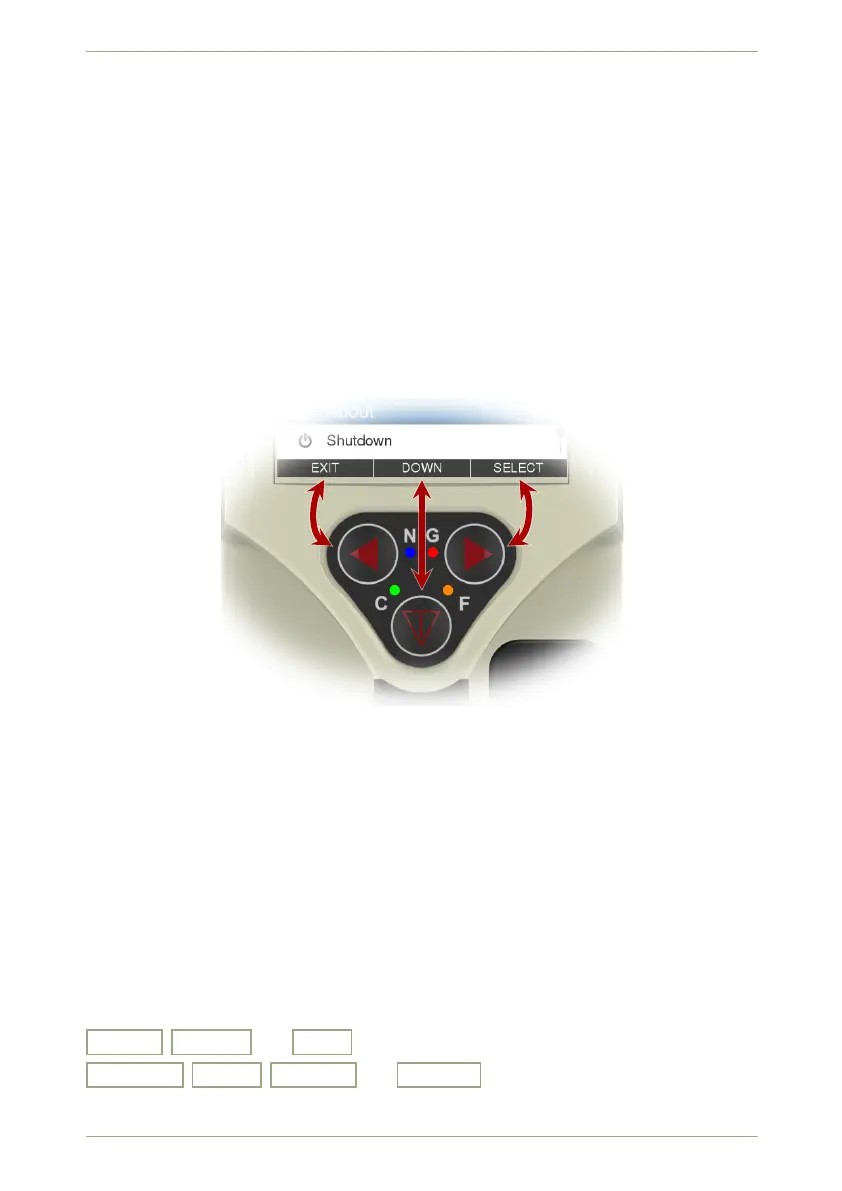
The meaning of every key changes depending on the circumstances. The current function of
the keys is shown along the bottom of the screen (Fig. 9, p. 24) at all times. Almost, excep-
tions are: Switching on the radEAGLE (see 2.3, p. 29) and taking screenshots (see 2.2.5,
p. 28).
Figure 9: The current functions of keys shown along the bottom of the radEAGLE display.
Chapter 5, p. 41 provides detailed descriptions of the different key functions under various
conditions.
Some commands are available for a lot of the radEAGLE’s functions:
Down , Select , and Exit for navigating the functions and commands.
On • Off , + • - , Accept , and Cancel for changing settings or entering val-
ues.
24/147 Software 3.2.12 • Document 3.3.0o © innoRIID GmbH • 2019-04-11



 To Next Page