5.29 Shutdown radEAGLE User Manual
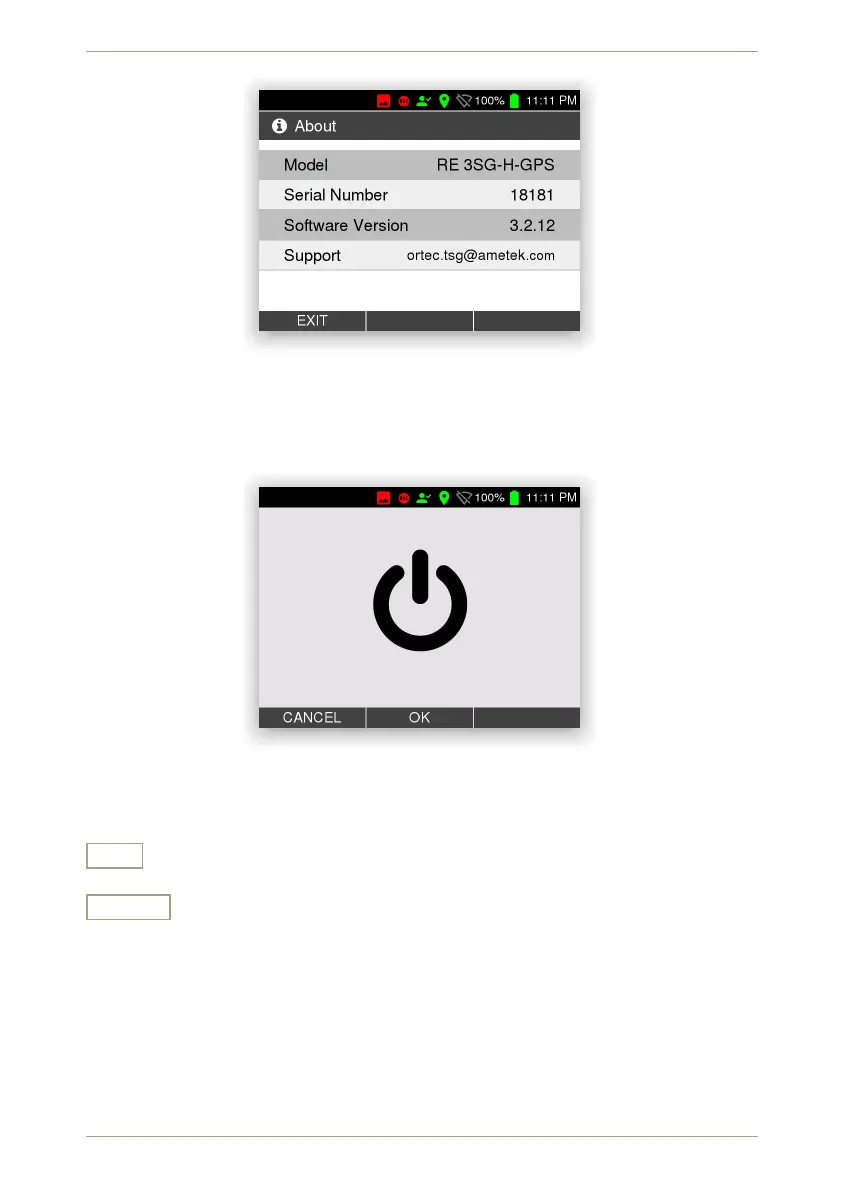
Figure 96: The instrument information
5.29 Shutdown
This screen (Fig. 97, p. 82) is shown when you switch off your radEAGLE.
Figure 97: Shut down verification
Settings and Commands
OK
Shut down the instrument.
Cancel
Cancel the current command.
82/147 Software 3.2.12 • Document 3.3.0o © innoRIID GmbH • 2019-04-11



 To Next Page