4.1 Gamma Warning and Alarm Display radEAGLE User Manual
4.1 Gamma Warning and Alarm Display
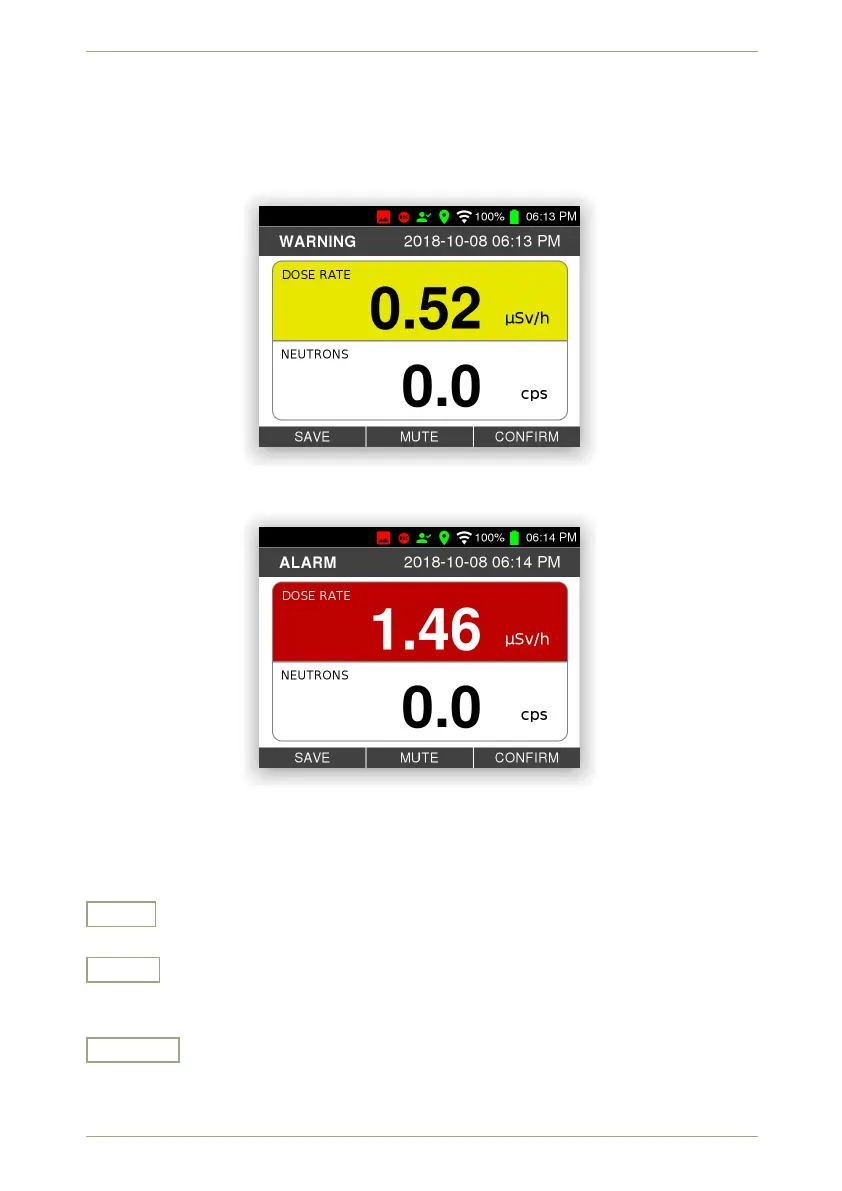
The warning (Fig. 30, p. 38) and alarm (Fig. 31, p. 38) messages overlay all other activities
of the radEAGLE.
Figure 30: A warning reported on screen
Figure 31: An alarm reported on screen
Settings and Commands
Save
Save the Alarm in the radEAGLE’s database.
Mute
Switch off the beeper and vibrator for the current alarm. The next alarm, if any, reac-
tivates them.
Confirm
Confirm the alarm. The beeper and the vibrator are switched off (see “Mute” above)
and the screen returns to the content displayed before the alarm was raised.
38/147 Software 3.2.12 • Document 3.3.0o © innoRIID GmbH • 2019-04-11



 To Next Page