5.3 Time and Date radEAGLE User Manual
5.3 Time and Date
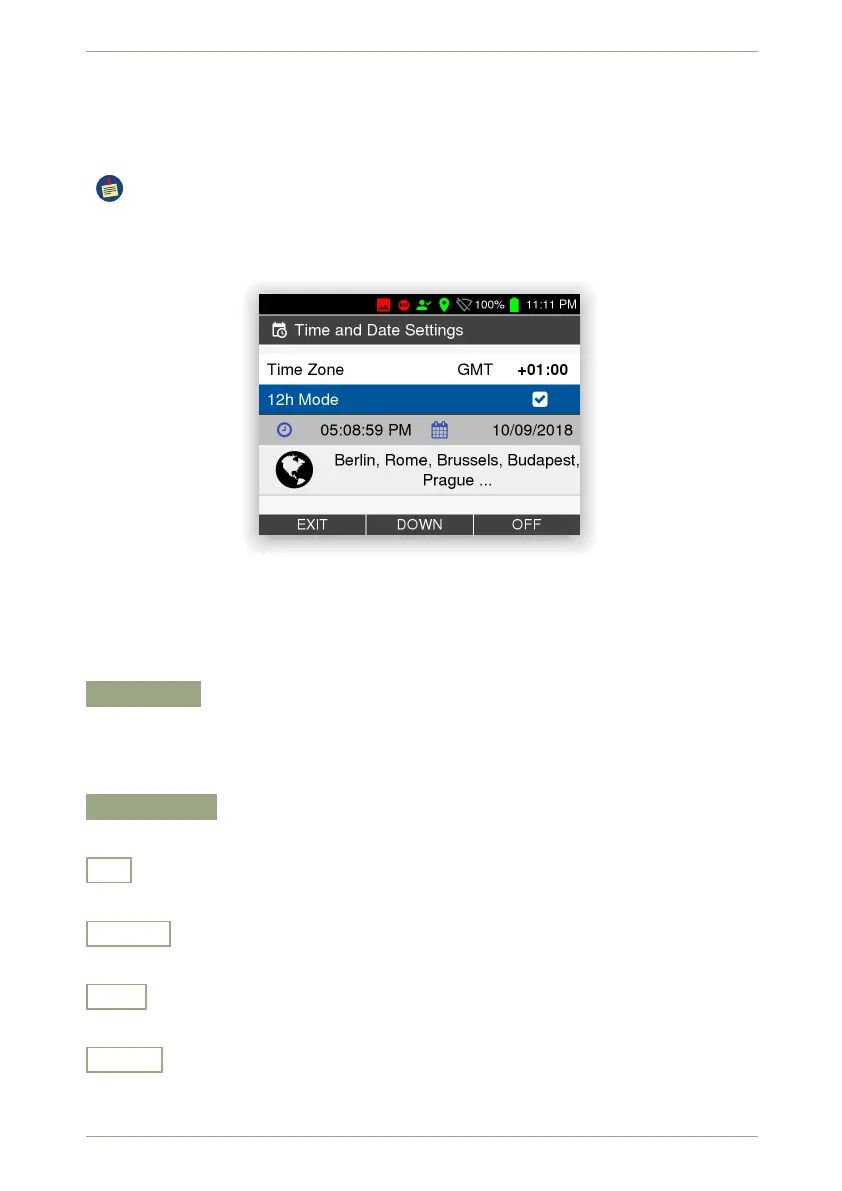
This screen (Fig. 43, p. 48) groups settings for the clock handling of your radEAGLE.
The clock setting affects many other important points. Spectra are typically saved
with a filename based on the time and date so it is important to keep this as accurate
as possible (Web interface, see 7.6, p. 99).
Figure 43: The clock settings
Settings and Commands
Time Zone
Specify your local time zone. To have the instrument handle daylight savings time cor-
rectly, you have to select not only the offset versus UTC, but also the correct collection
of cities shown for a given offset.
12 h Display
Specify whether you want to have times shown in 12 or 24 hour format.
+
Change to the next time zone.
On, Off
Switch the setting on or off.
Exit
Return to the superior screen.
Down
Highlight the next item. Cycles to the top item after you reached the last item.
48/147 Software 3.2.12 • Document 3.3.0o © innoRIID GmbH • 2019-04-11



 To Next Page