radEAGLE User Manual radEAGLE Advanced Menu
5.11.2 USB Storage Device
This item is available while a USB storage device is plugged into the radEAGLE’s USB-A
port.
Connect a USB mass storage device to your radEAGLE and transfer data from the instru-
ment to the device.
The radEAGLE supports devices formatted as FAT32 without partitions.
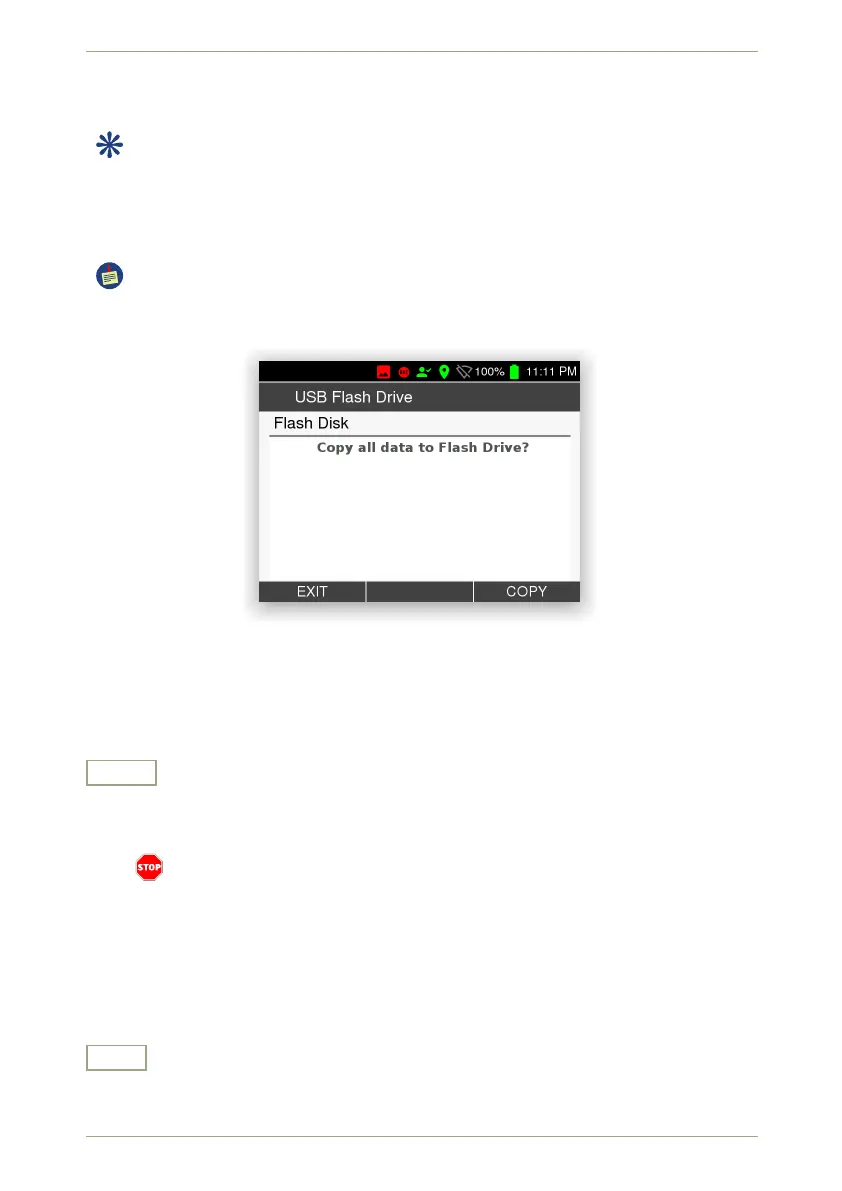
You will be prompted to transfer data to the device or cancel the procedure (Fig. 59, p. 59).
Figure 59: Data transfer to a USB mass storage device
Settings and Commands
Copy
Copy all data (spectra, screenshots etc.) saved in the radEAGLE’s database to the
USB mass storage device.
The radEAGLE overwrites files having the same name existing on the USB device
without warning. As filenames usually contain date and time of their creation,
however, it is highly unlikely that you loose data. If in doubt, make a backup copy
of the USB device before using this feature.
You will be informed about the progress of the data transfer and after it finished
(Fig. 60, p. 60).
Exit
Return to the superior screen.
© innoRIID GmbH • 2019-04-11 Software 3.2.12 • Document 3.3.0o 59/147



 To Next Page