5.11 USB Connections radEAGLE User Manual
Bluetooth Status
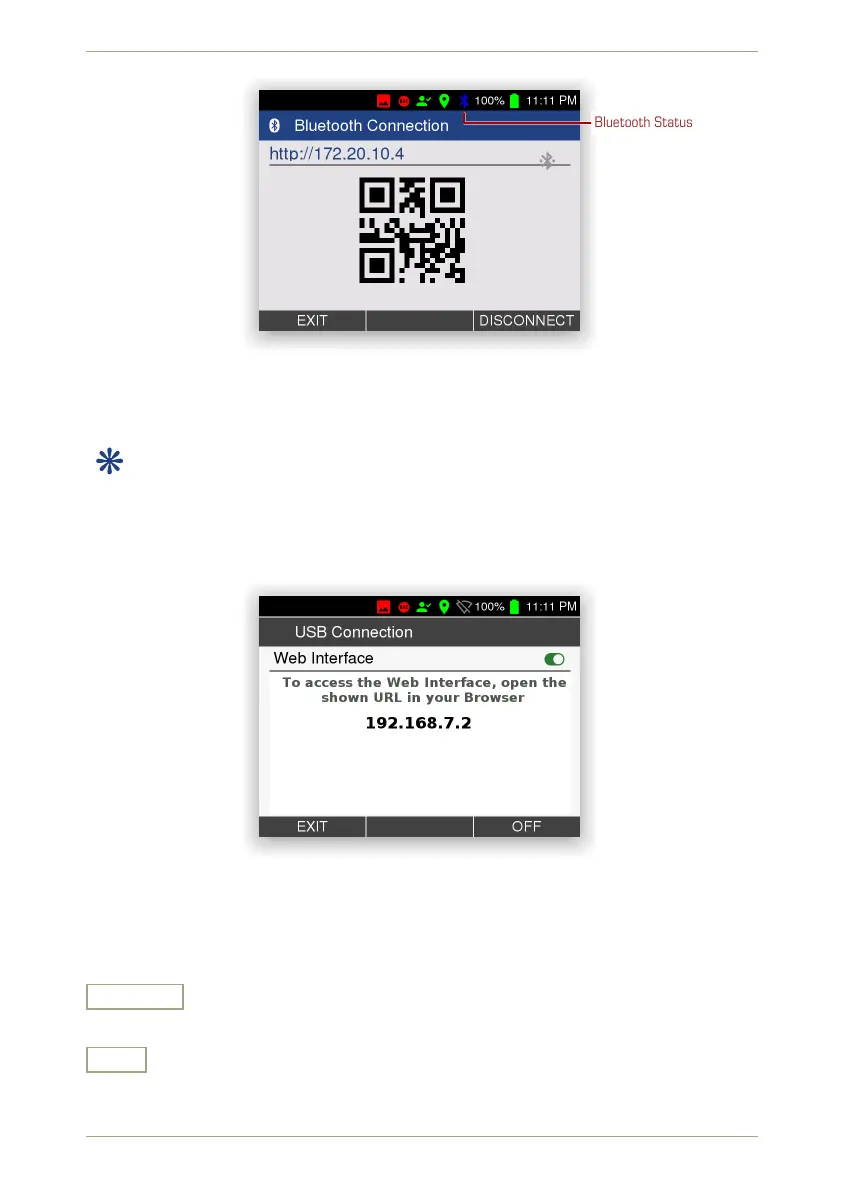
Figure 57: Web interface address for devices connected via Bluetooth
5.11.1 USB Cable to Host Computer
This item is available while a cable connects the radEAGLE’s USB Mini-B port to the
host computer or similar device.
This screen shows information about the status of the Web interface and the IP address to
connect to from the Web browser (Fig. 58, p. 58).
Figure 58: USB cable connection information
Settings and Commands
On • Off
Switch the Web interface (see 7, p. 85) on or off.
Exit
Return to the superior screen.
58/147 Software 3.2.12 • Document 3.3.0o © innoRIID GmbH • 2019-04-11



 To Next Page