radEAGLE User Manual radEAGLE Advanced Menu
GPS Status
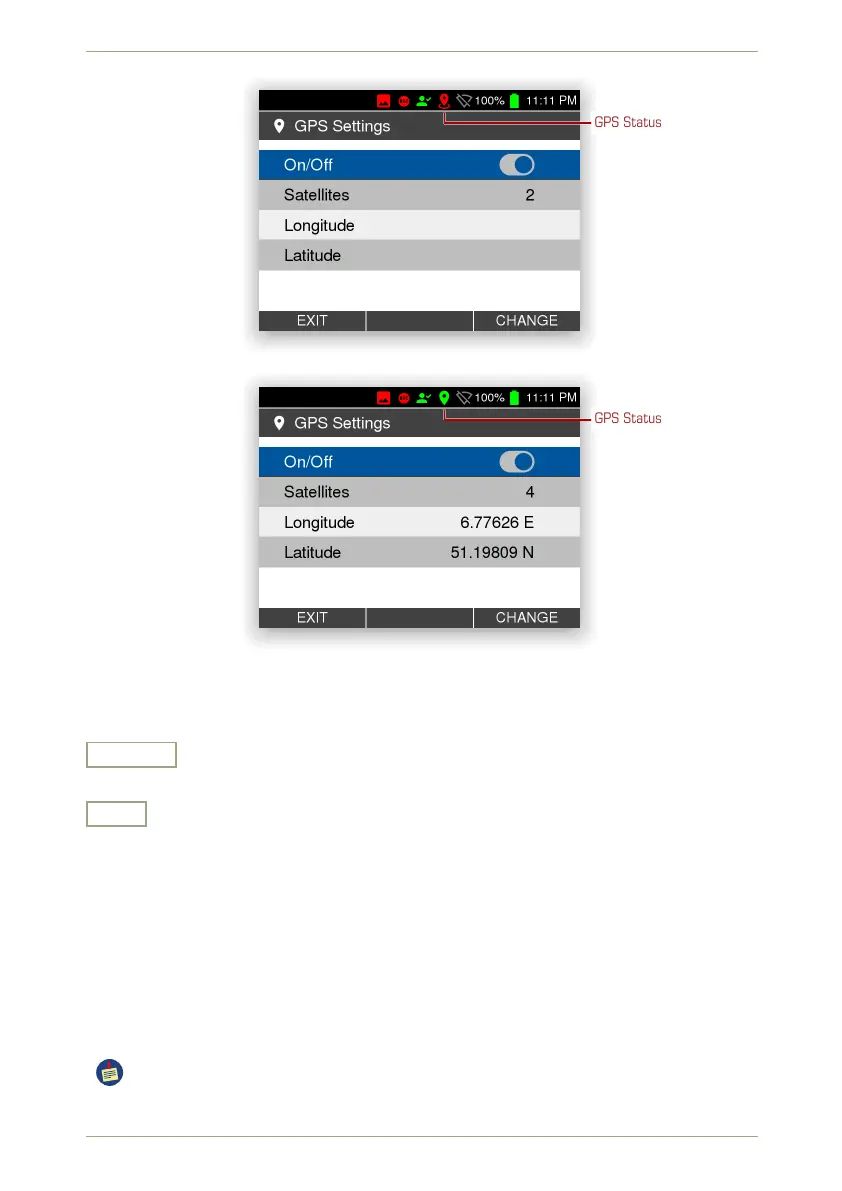
Figure 65: The GPS settings while searching satellites
GPS Status
Figure 66: The GPS settings after determinig the location
Settings and Commands
Change
Edit the highlighted setting.
Exit
Return to the superior screen.
5.14 Easy Calibration
This command lets you specifiy a calibration source and trigger a simple automatic calibra-
tion of the radEAGLE
An elaborate version of calibration is available too, see 5.18, p. 68.
For additional information refer to appendix C.2, p. 128.
Please place a suitable calibration source (
40
K or
137
Cs) in front of the detector before
proceeding.
© innoRIID GmbH • 2019-04-11 Software 3.2.12 • Document 3.3.0o 63/147



 To Next Page