5.1 Spectrum radEAGLE User Manual
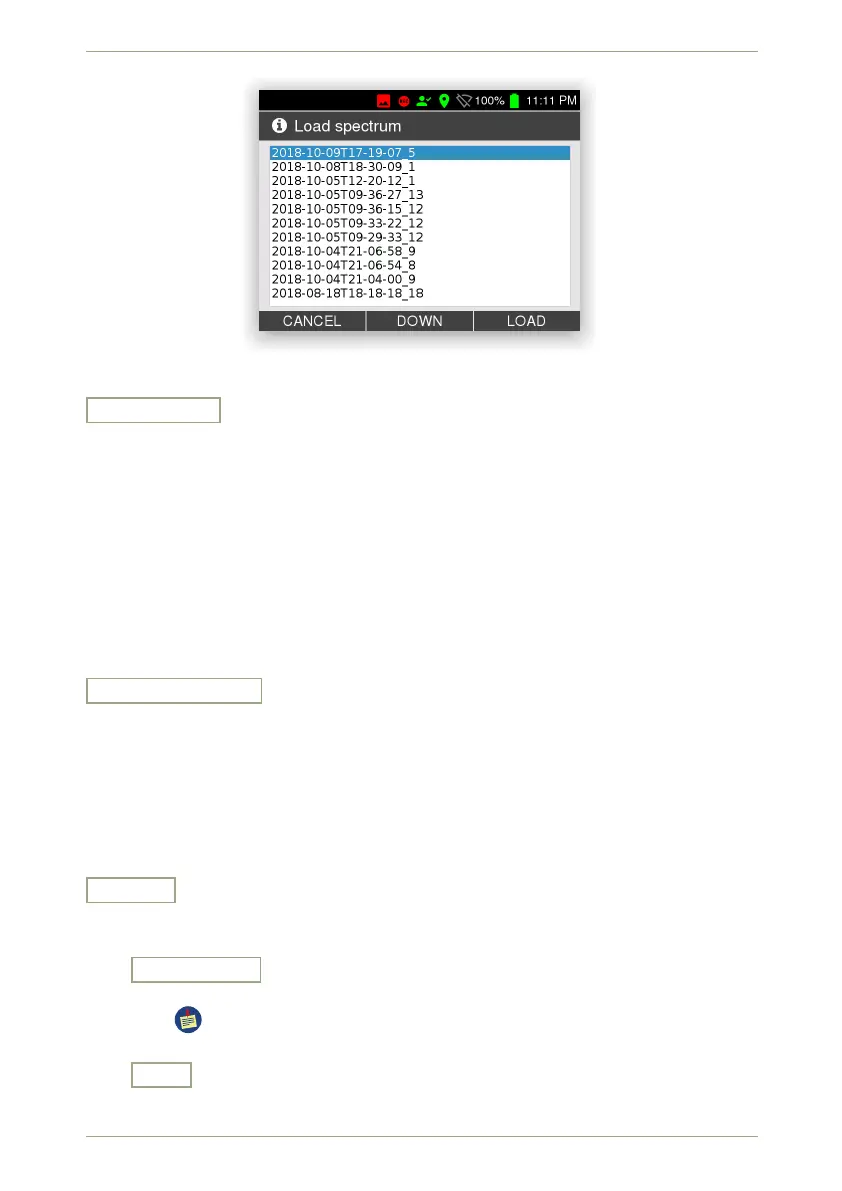
Figure 40: Spectrum files available for loading
LT • DT • RT
Cycle through the time and duration info displayed along the spectrum (Fig. 34, p. 43):
LT - Live Time
The duration of data acquisition as live time.
DT - Dead Time
The dead time as a percentage of the real time.
RT – Real Time
The duration of data acquisition as real time.
The current setting is shown along the spectrum, the command indicates the setting
you will get after pressing the corresponding key.
For additional information refer to appendix C.6, p. 130.
LOG • SQRT • LIN
Change the vertical scaling of the spectrum diagram (see C.7, p. 130).
LOG Logarithmic scaling.
SQRT Square Root scaling.
LIN Linear scaling (the default).
The current scaling is shown at the top of the diagram (Fig. 34, p. 43). The command
indicates the setting you will get after pressing the corresponding key.
Auto ID
Switch to a waterfall display, let the instrument collect a spectrum and analyze it
(Fig. 41, p. 47).
Start • Stop
Control the acquisition of data for the Auto ID waterfall diagram.
These data are live data, independent of the spectrum you might have ac-
quired or loaded in the spectrum screen.
Exit
Return to the superior screen.
46/147 Software 3.2.12 • Document 3.3.0o © innoRIID GmbH • 2019-04-11



 To Next Page