3.3 Detect Mode radEAGLE User Manual
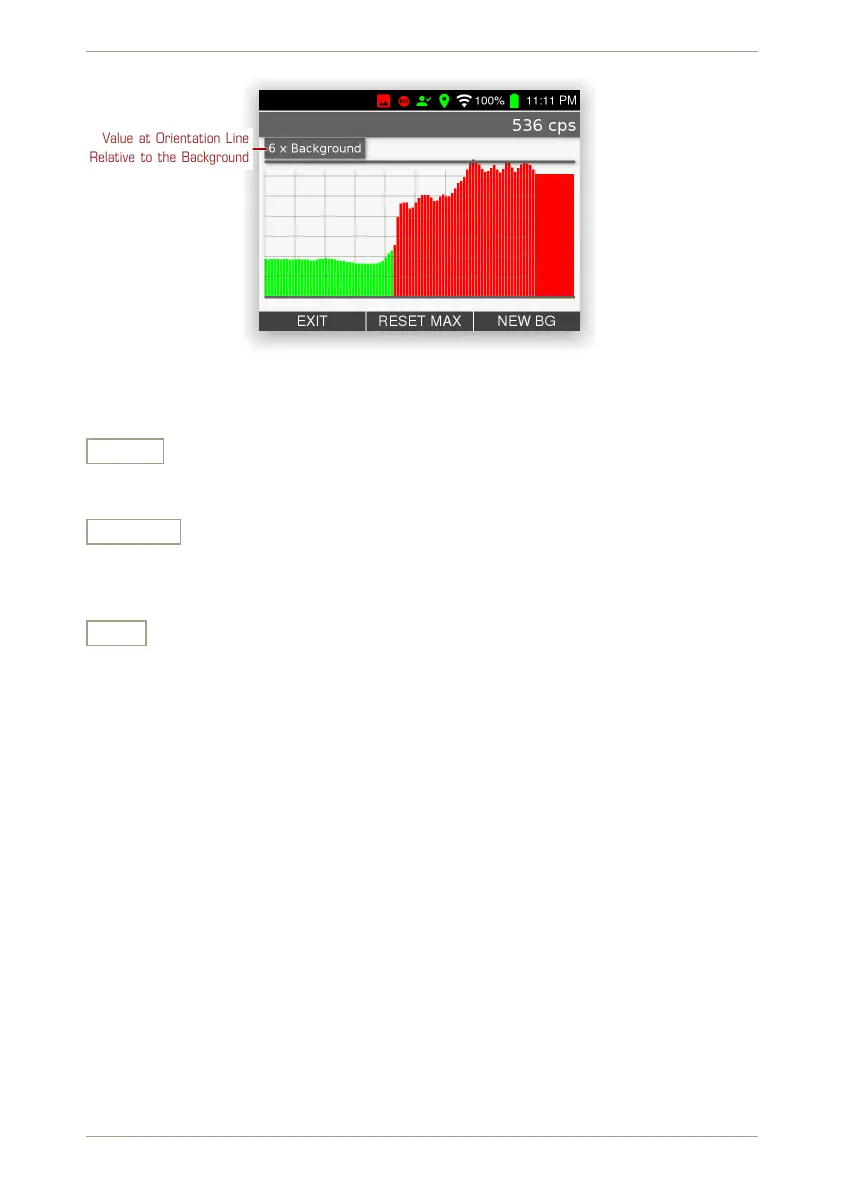
Value at Orientation Line
Relative to the Background
Figure 29: Detect mode: Close to a source
Settings and Commands
Reset
Reset the maximum scaling to the background, for example, to see more detail after
moving away from a source.
New BG
Initiate a new background measurement. This might become necessary if you changed
your measurement location or the background is suspected to have changed for what-
ever reason.
Exit
Return to the superior screen.
36/147 Software 3.2.12 • Document 3.3.0o © innoRIID GmbH • 2019-04-11



 To Next Page