radEAGLE User Manual radEAGLE Advanced Menu
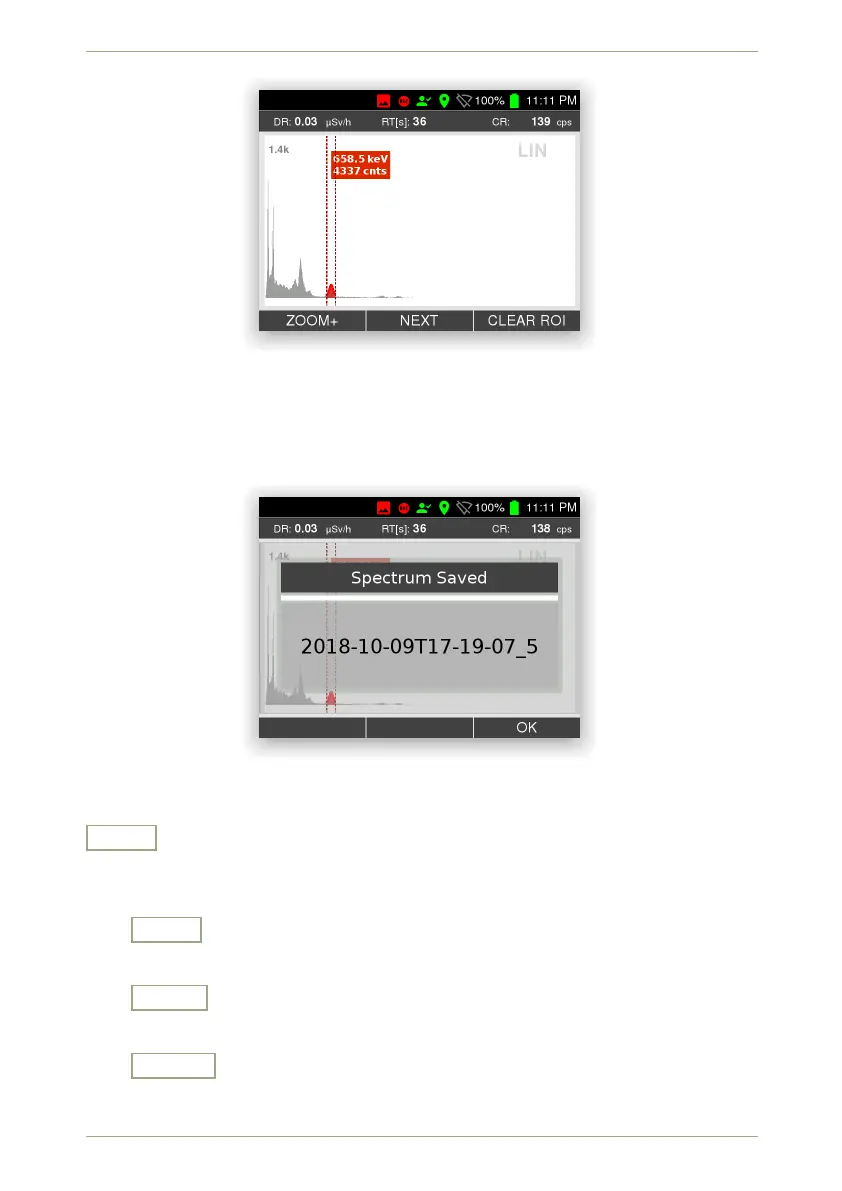
Figure 38: Spectrum with Region Of Interest
The file names of saved spectra are composed of the current date and time followed
by an index number. They will be shown after saving (Fig. 39, p. 45).
Figure 39: Info about a saved spectrum’s file name
Load
Load a saved spectrum for further processing. Choose a from a list of files saved
before (Fig. 40, p. 46). The spectrum saved most recently is listed on top.
Load
Load the highlighted spectrum file.
Down
Highlight the next item. Cycles to the top item after you reached the last item.
Cancel
Cancel the current command.
© innoRIID GmbH • 2019-04-11 Software 3.2.12 • Document 3.3.0o 45/147



 To Next Page