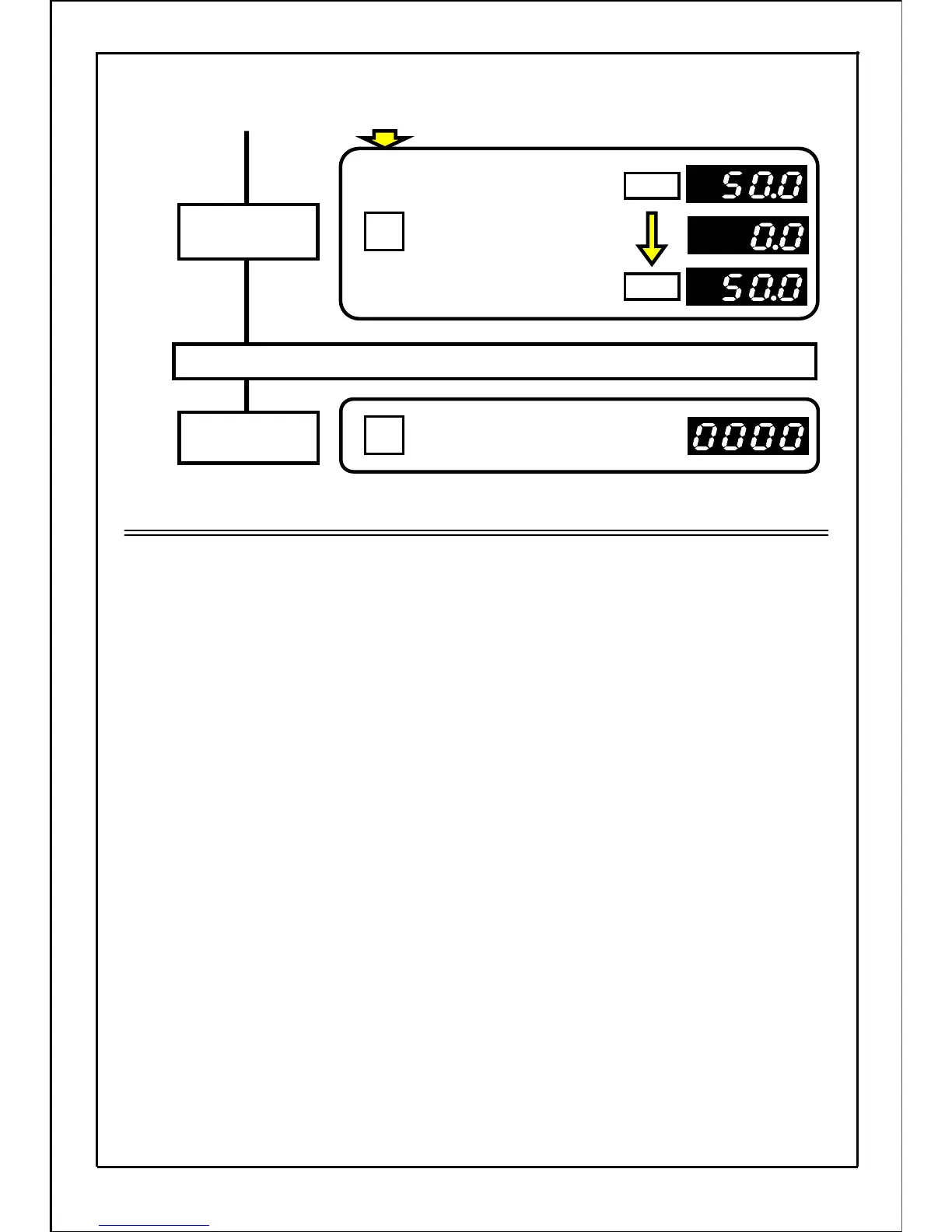
Stopping operation
Press the STOP button.
The motor will start to decelerate
and will stop.
Stop command
Press the RUN button.
The motor will gradually
decelerate, and will start
forward rotation at 50Hz
again.
Forward
Reverse
Run command
[Continued from previous page]
Note
・
The rotation direction cannot be set with the "rotation direction setting mode (dr)". In this mode,
only the rotation direction and local, external control or communication during operation
can be monitored.
・
The MOP function cannot be used.
40
STOP
RUN







 To Next Page