Operation Guide 500ML Lighting Control Console
124 Programming
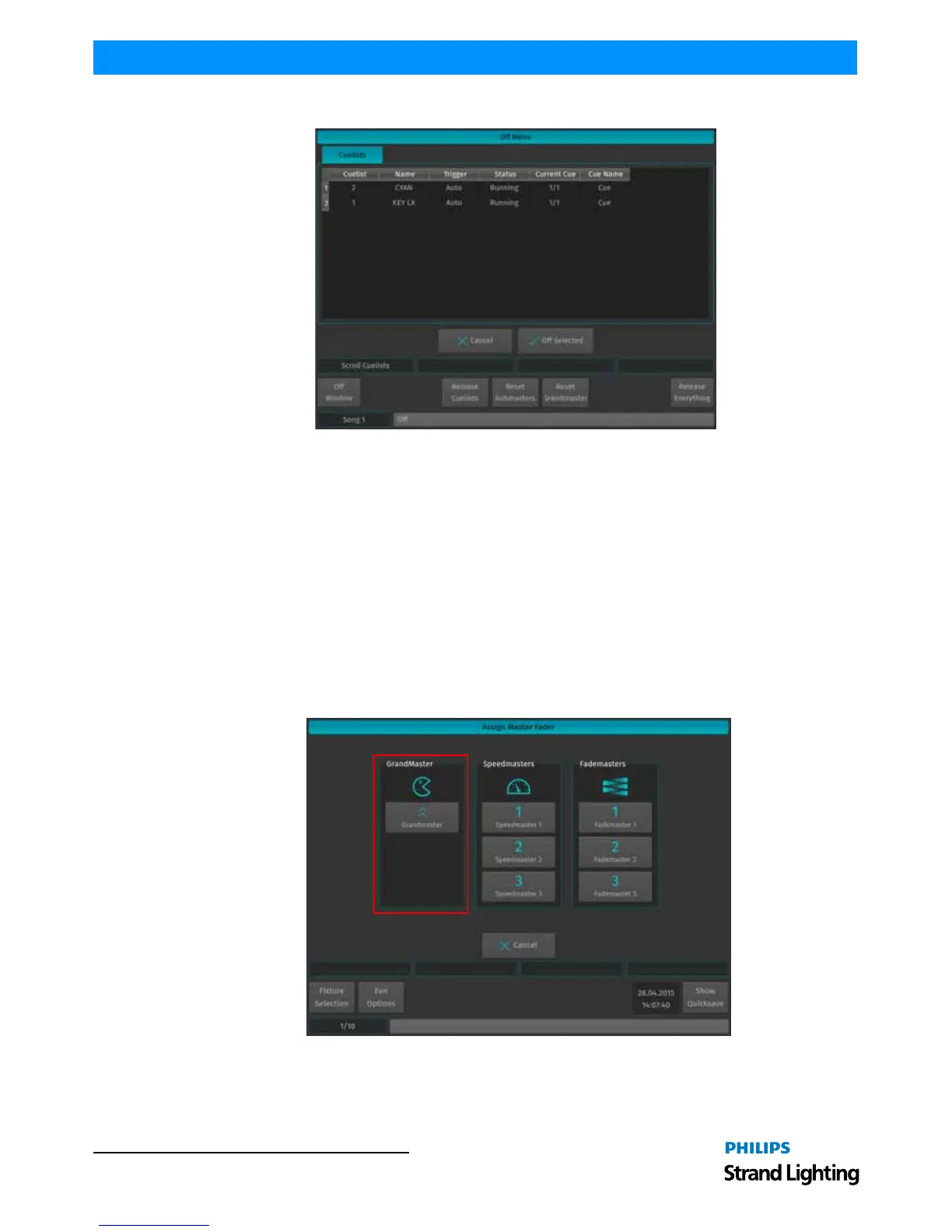
To switch off a cuelist, select it from the List and press the Off Selected button.
Figure 226: Off Menu Window
9. Working with Masters
Master Basics
Masters work like remote controls - you may assign different objects to masters and configure them independently in
terms of button and fader configuration. These assignments are stored for each master and are not linked to the object
the master is connected to. That means you may assign the same single cuelist to multiple masters and configure each
master differently.
Assigning a Grandmaster
The Grandmaster provides an overall inhibitive fader for all fixture Intensities.
To assign a fader to act as the Grandmaster, press the [ASSIGN] key, followed by the [GO], or [PAUSE/BACK] key
of the fader that should act as the Grandmaster. The Assign Master Fader window (Figure 227) will open, asking you
what to assign to this master. Select Grandmaster.
Figure 227: Assign Master Fader Window - Grandmaster
Assigning Fixtures to Masters (Creating an Inhibitive Master)
Fixture Dimmer Masters are compared HTP, so the highest master will take precedence.



 To Next Page