Fixture Setup 47
500ML Lighting Control Console
Operation Guide
PROGRAMMING
1. Fixture Setup
Adding Fixtures to a Show
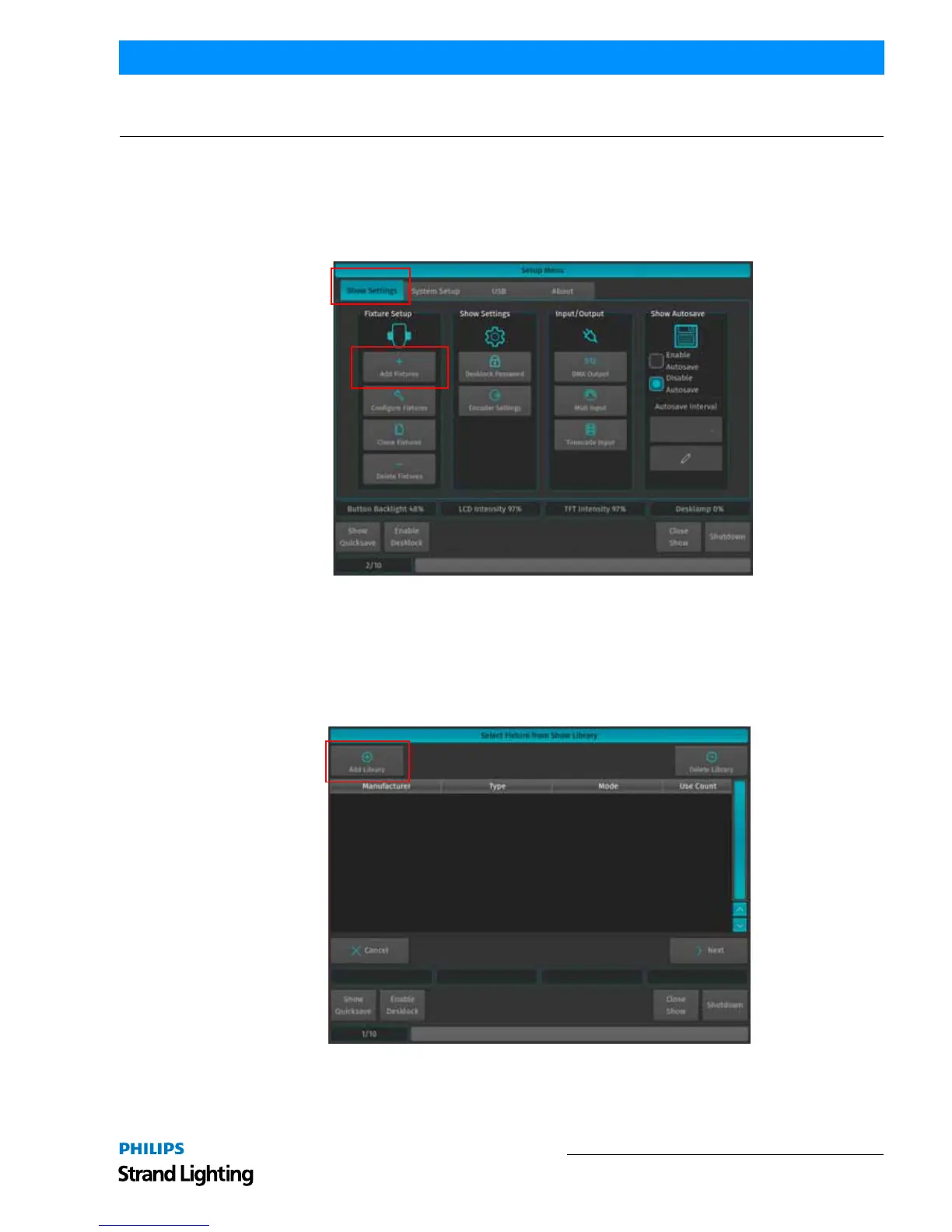
In order to add and patch fixtures, please press the [Setup] key on the consoles front panel. A menu will appear on the
touchscreen display, presenting you several options. Choose Add Fixtures in the Setup Menu screen (Figure 74).
Figure 74: Setup Menu - Show Settings - Add Fixtures
The Select Fixture from Show Library screen (Figure 75) will appear allowing you to pick the fixture type from the
show library.
• If the show library does not yet contain the fixture of the choice, click on Add Library to add fixtures from the Sys-
tem or User Library to the Show.
• If the list already contains the desired fixture type, select it and click on Next, which will skip the next two steps.
Figure 75: Select Fixture from Show Library Screen
A library selection screen will appear (Figure 76) allowing you to select where to select and import fixtures.



 To Next Page