Operation Guide 500ML Lighting Control Console
56 Programming
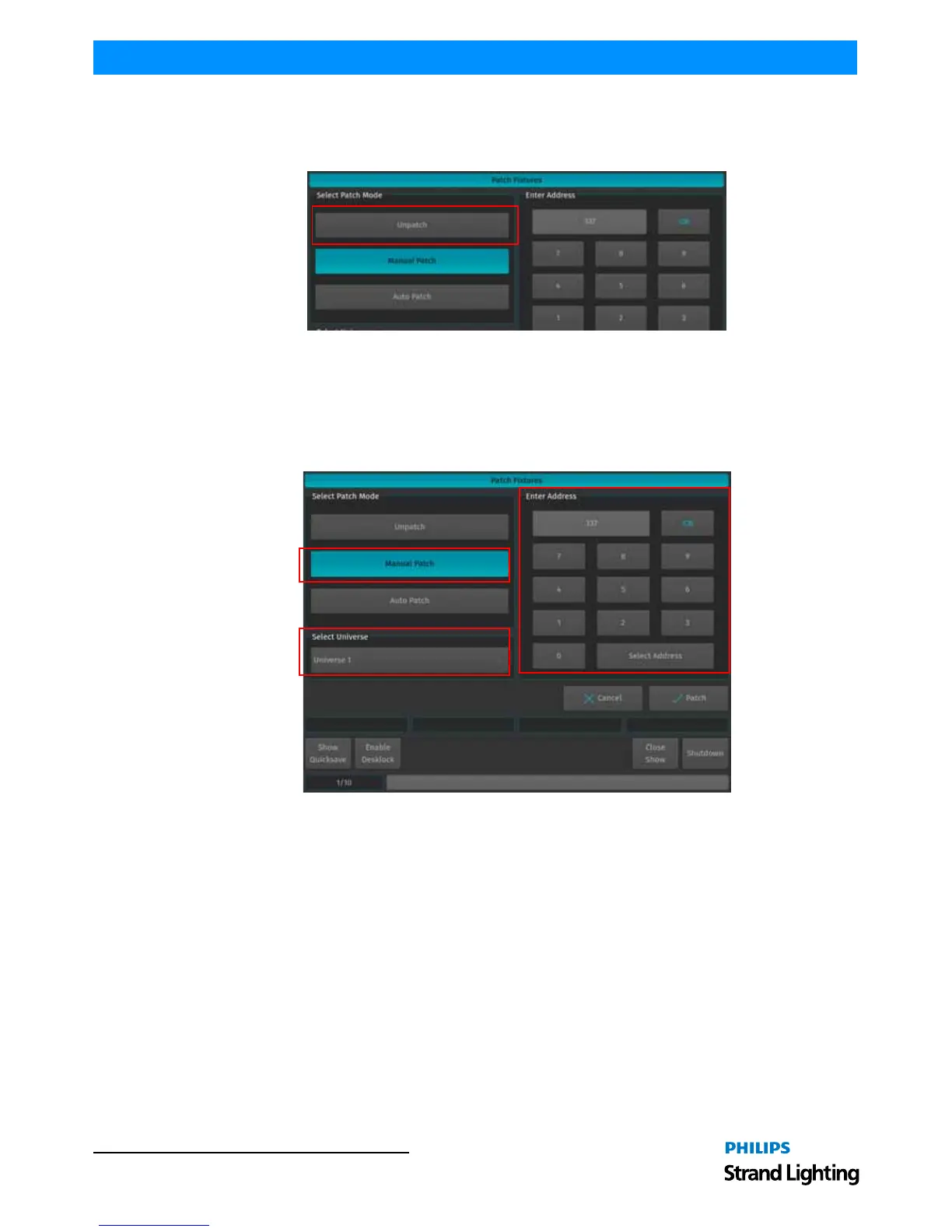
Unpatch
Unpatch will remove any patch information from the fixtures. However, the fixtures and all of their programming
will be kept within the showfile.
Figure 91: Patch Fixtures Window - Unpatch Option
Manual Patch
The fixtures will be patched to the address and universe specified by the user. Referring to Figure 92, select Manual
Patch on the left hand side of the screen. Then, select the Universe to which the Fixtures shall be patched from the
dropdown menu. Then either enter the Address using the Keypad shown on the right hand side of the screen or the
Keypad on the consoles faceplate.
Figure 92: Patch Fixtures Window - Manual Patch Option
You may also select an address visually by hitting the Select Address button. This will open up a new screen (see
Figure 93 on page 57) enabling you to select the address visually. This screen will also indicate free addresses by a
green color, as well as used addresses by a red color. If you click onto one channel, the console will show you how
many addresses the fixture(s) you are about to patch will use, and if they fit.



 To Next Page