Operation Guide 500ML Lighting Control Console
96 Programming
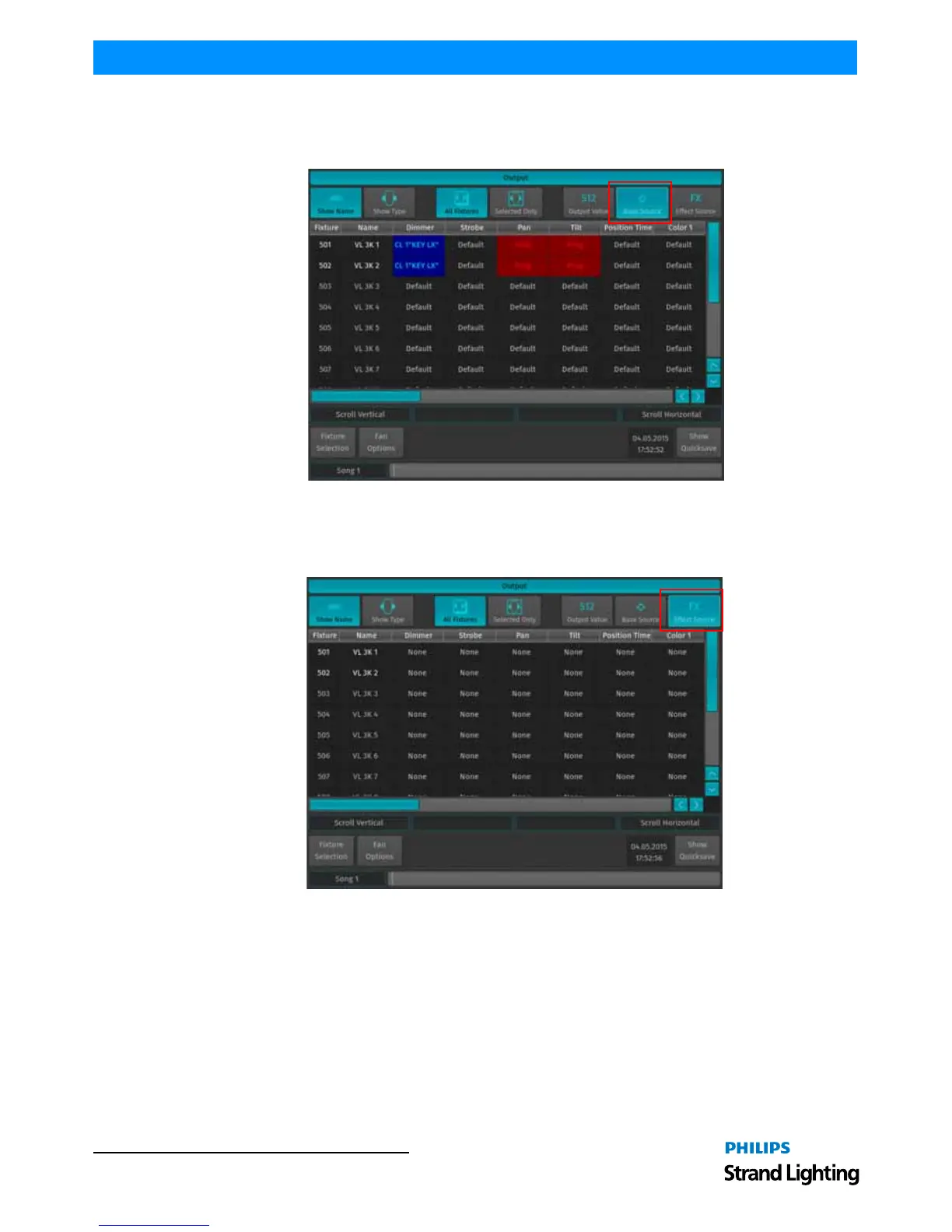
Base Source Button
The Base Source button will display the source of the base value being outputted for any fixture parameter. The "base
value" are all output values which are not modified by an effect.
Figure 173: Output Window - Base Source Button
FX Effect Source Button
The FX Effect Source button will display the origin of the effects being outputted for any fixture parameter.
Figure 174: Output Window - FX Effect Source Button
6. Working with Effects
Effect (FX) Basics
You can use effects to create a mathematical function that is used to alter attribute values in a repeating fashion.
Effects created on the 500ML control console are stored into Cues.
Effects are applied to attributes using effect rows within an effect table that apply mathematical functions (such as a
sine- or cosine wave) to values against time. Each row in the effect programmer has five effect attributes: Type, Size,
Speed, Offset, and Duty Cycle.
You may apply effects by using the integrated Effects (FX) Programmer.



 To Next Page