Programmer Options 83
500ML Lighting Control Console
Operation Guide
5. Programmer Options
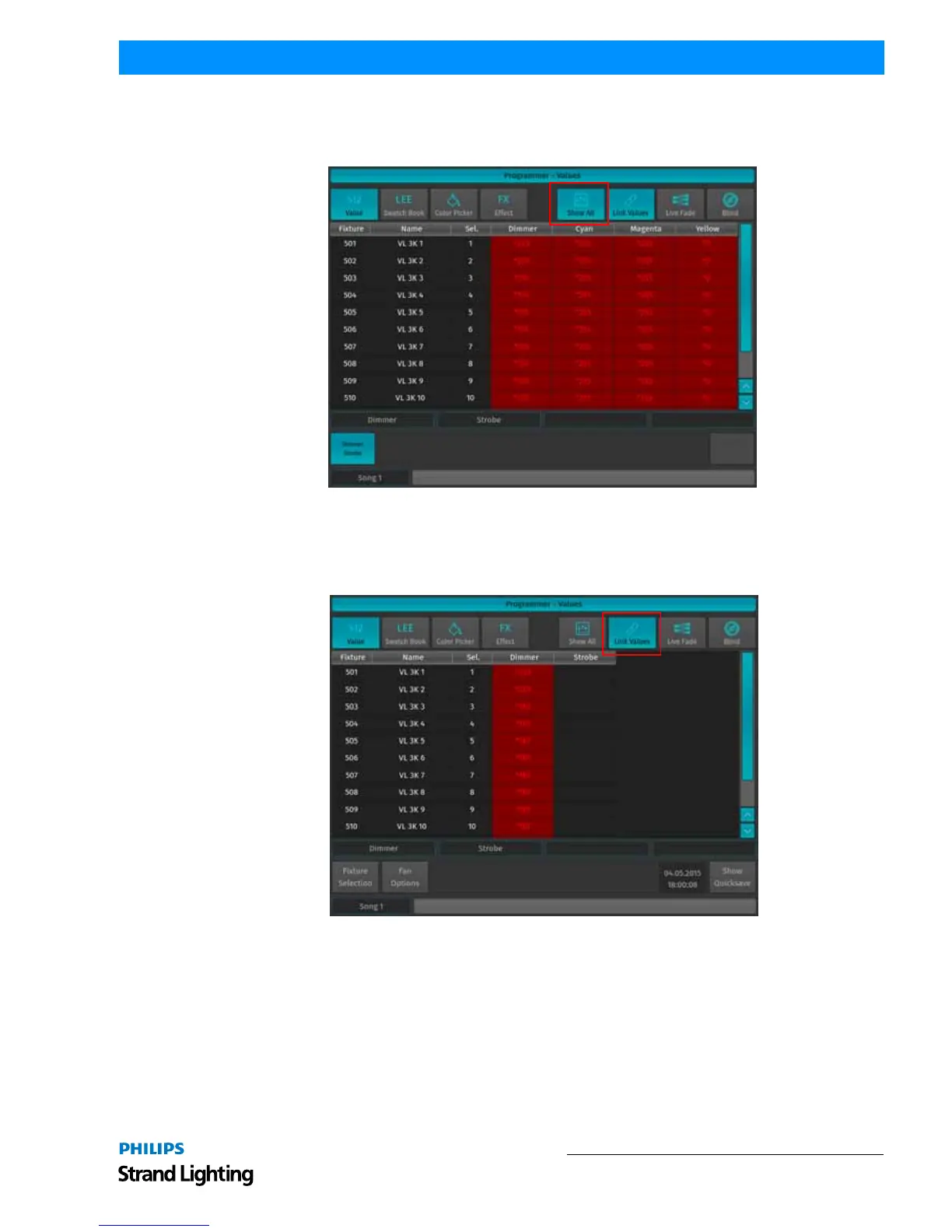
Show All
Figure 149: Programmer - Values Window - Show All Option
Show all Values will cause the programmer to show every attribute that has values set in the programmer for all
fixtures that have values in the programmer. This button is only shown when the programmer is in Value mode.
Link Values
Figure 150: Programmer - Values Window - Link Values Option
Link Values is a convenience function that, by default, will touch all parameters predefined attribute groups as soon
as one of the other attributes in the attribute group is touched. In example: If you touch the Cyan attribute's value, the
console will automatically touch Magenta and Yellow as well. The same holds true for Hue and Saturation as well as
Red, Green and Blue as well as Pan and Tilt. This is to make sure you are not seeing any unwanted effects. This
button is only shown when the programmer is in Value mode.
However, function grouping may be turned of, if desired. A good example would be independent control of Red,
Green and Blue by using different faders.



 To Next Page