Operation Guide 500ML Lighting Control Console
44 OPERATION
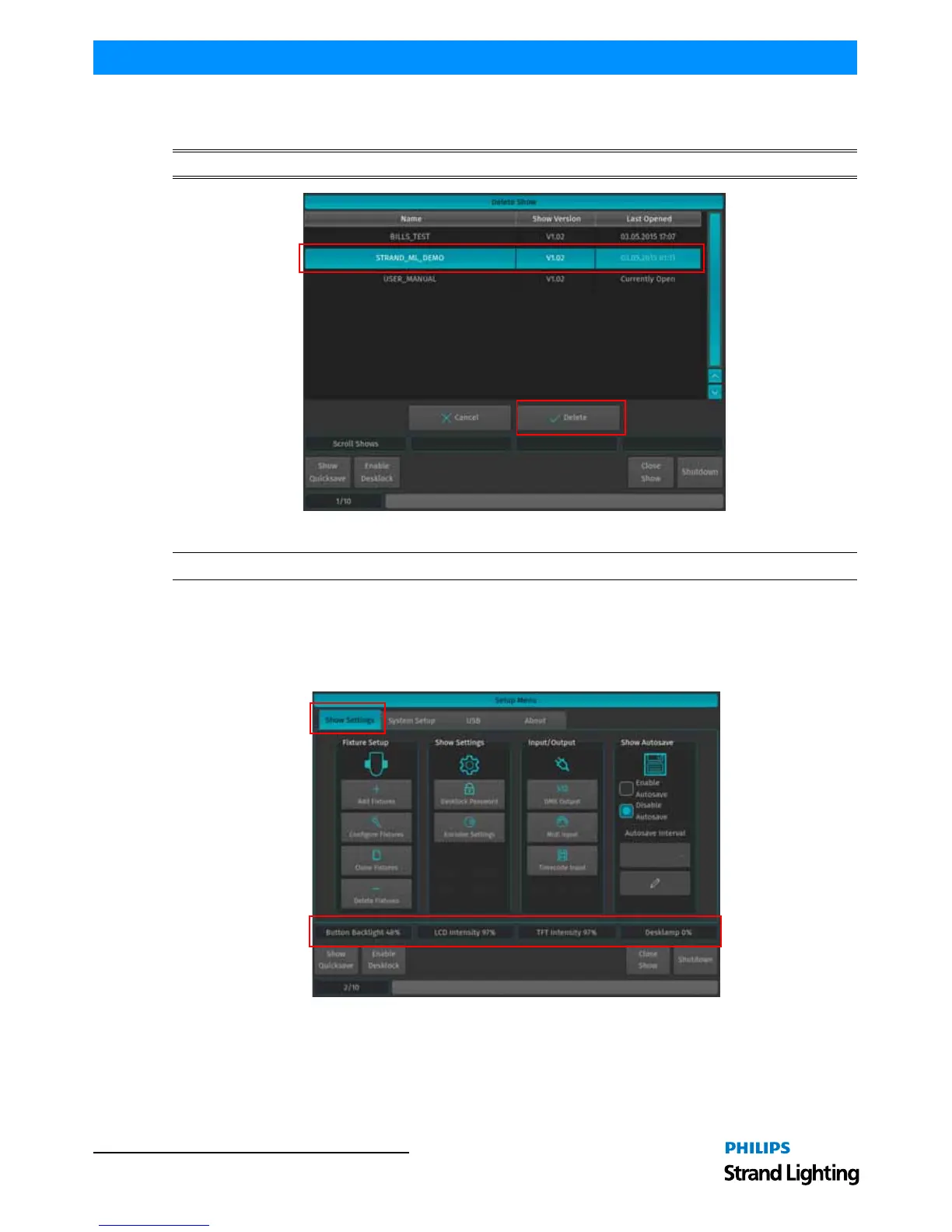
You will now be presented with a list of shows. Select the show you would like to delete and hit the Delete button on
the touchscreen display.
WARNING! Once a showfile is deleted, it cannot be undone.
Figure 66: Delete Show Window - Delete Show Example
Note: You cannot delete a show that is currently loaded. To close a show, refer to "Closing a Show" on page 43.
5. Showfile Settings
The 500ML Lighting Console keeps different options that are related to the Showfile reduced to a minimum.
However, this section will cover the different customization options. All Showfile related settings (Including Fixture
Schedule and Patch) are set within the Show Settings section within the Setup Menu as shown in Figure 67.
Figure 67: Setup Menu - Show Settings Tab



 To Next Page