Pool Windows and Pool Items 25
500ML Lighting Control Console
Operation Guide
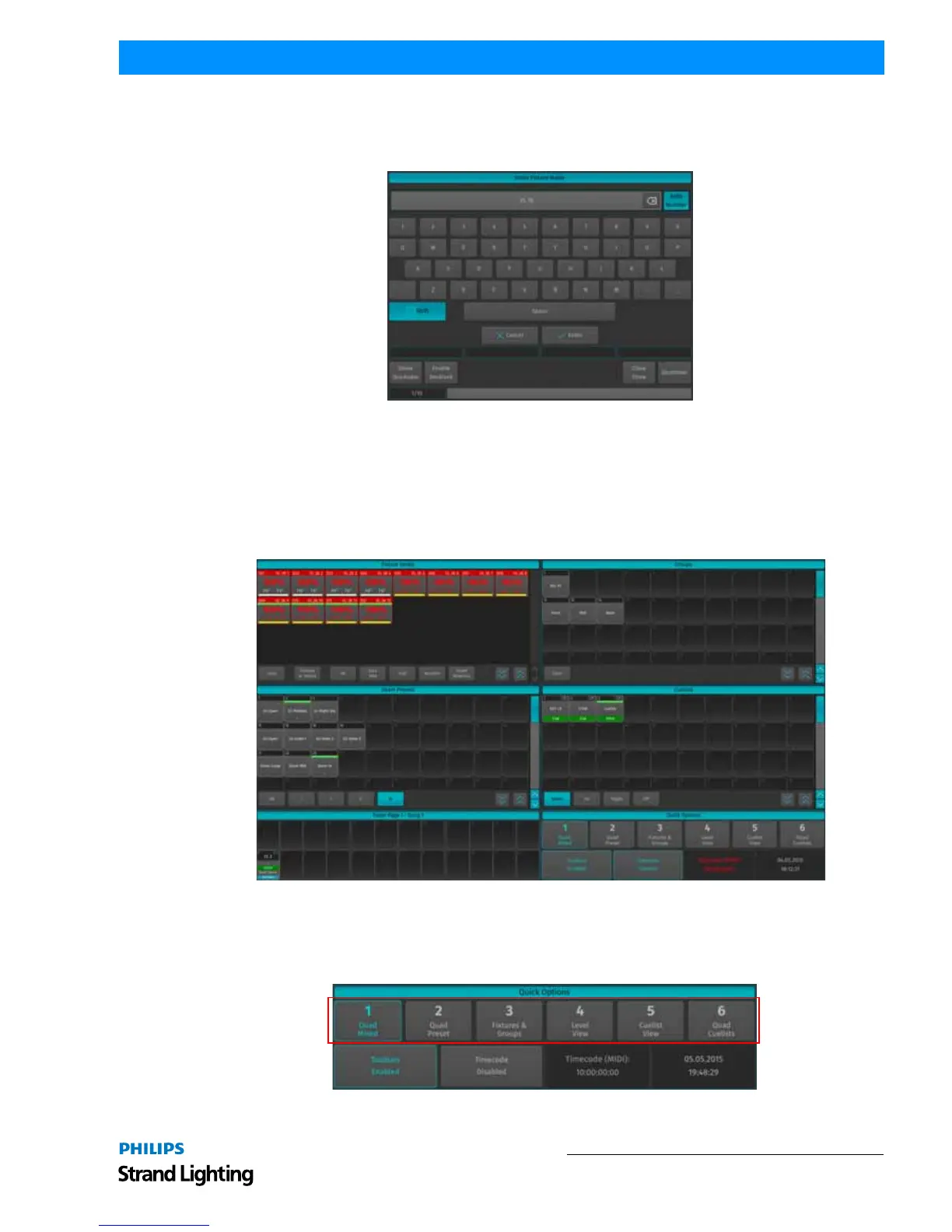
On-Screen Keyboard
You may enter values and names using the touchscreen keyboard or an external USB Keyboard connected to the
console (by others) whenever the On-Screen Keyboard is shown.
Figure 27: Touchscreen Keyboard Example
External Monitor
If an external monitor (sold separately) is connected, the monitor provides enhanced overview over your show file. It
consists of 6 different views that show Fixture, Group, Preset and Cuelist Pools, as well as fader labels. Pool Items
may either be selected or deselected by using a standard USB Mouse or a touchscreen. Fader labels also provide you
with a quick overview of assigned Masters. Additionally, the current date and time and incoming Timecode is shown
and the Timecode input may be enabled or disabled.
Figure 28: External Monitor Screen
Switching Views
Buttons to switch the views are contained in the "Quick Options" area found on the bottom right side of the External
Monitor.
Figure 29: Quick Options



 To Next Page