Operation Guide 500ML Lighting Control Console
16 BASIC CONCEPTS
4. The Graphical User Interface
The console utilizes an easy to use and intuitive graphical user interface (GUI). The following sections explain the
basics of finding your way around the GUI, in the internal as well as the external display.
Figure 4: On-Board LCD Screen
Screens
The console shows context sensitive screens for each step of the show creation. This way it only shows functionality
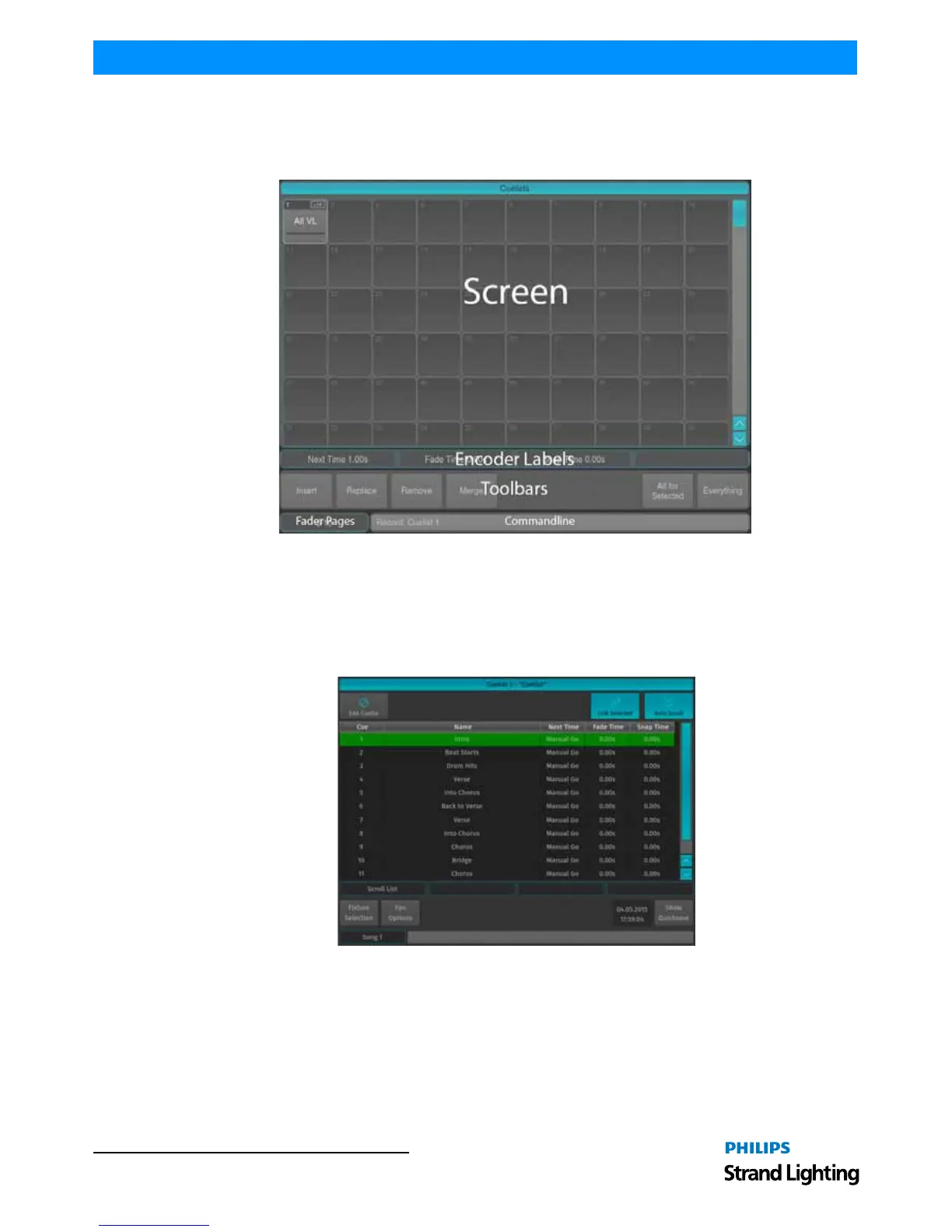
you need for a specific task. The Cuelist View Window (Figure 5) will only show information that is necessary to
understand and read your cuelist, whereas the Programmer Values Window (Figure 6 on page 17) will only show
information needed for value entry.
Figure 5: Cuelist View Window



 To Next Page