The Fixture Library Concept 15
500ML Lighting Control Console
Operation Guide
those changes should be available for later show files, it makes sense to transfer the fixture from the Show Library to
the User Library.
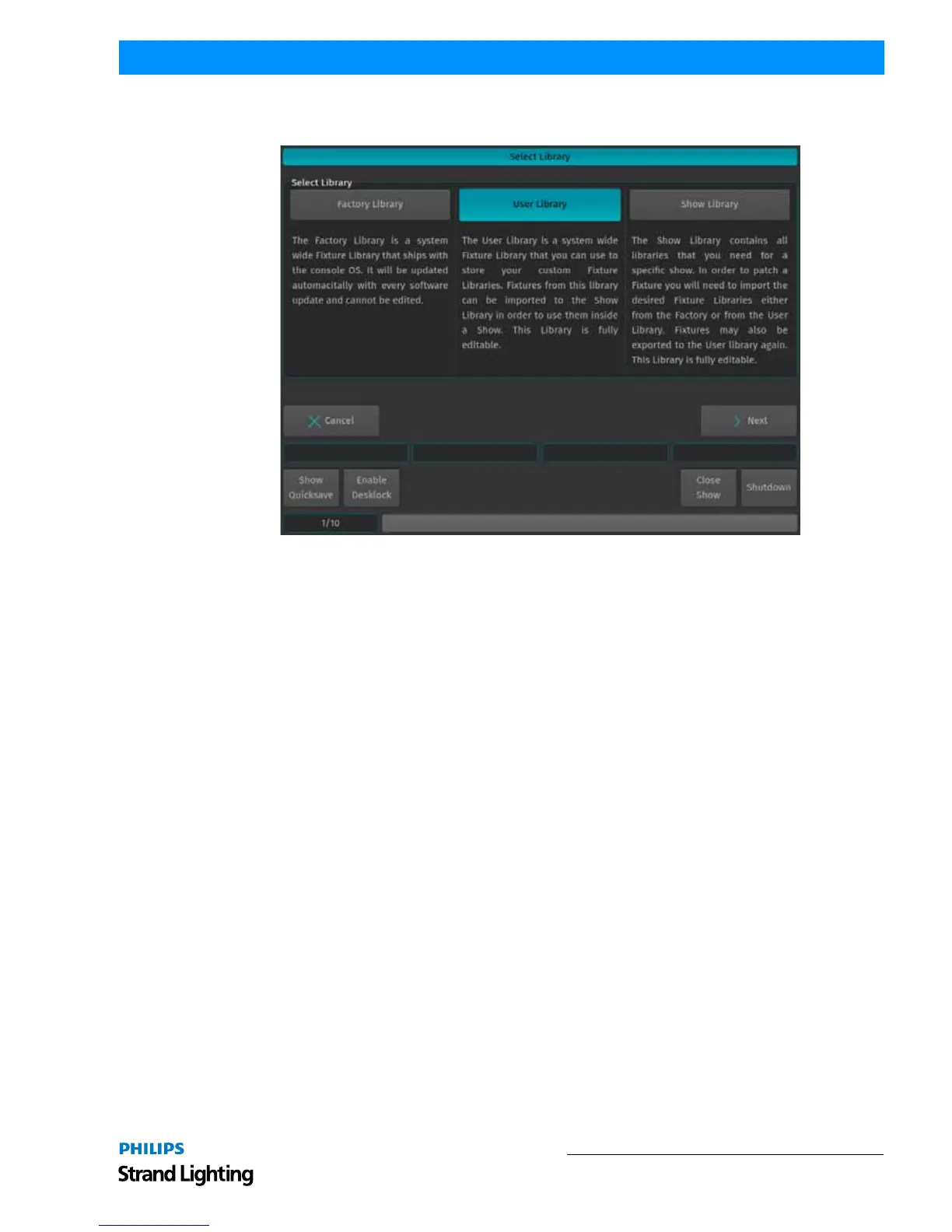
Figure 3: 500ML Console Fixture Libraries
System Library
The System Library gets replaced with every Software Update. It contains around 6700 Fixtures and is maintained by
Strand Lighting. It is not editable by the user.
User Library
The User Library is fully editable by the user and is not replaced or deleted during software updates. It is stored on the
flash-disk of the console and its fixture types are available to all existing or new shows.
Show Library
The show library resides within the Showfile. Before a fixture can be patched, it needs to be added to the Show
Library. The Show Library is stored within the Showfile and hence will be exported with the Showfile if a backup to
a USB Key is made. Fixtures within the Show Library are not available to other Shows. To make the Fixture Types in
the Show Library available to other shows, they need to be transferred to the User Library first.



 To Next Page