Operation Guide 500ML Lighting Control Console
130 Programming
Master Fades
10. Working with Fader Pages
Fader Pages store all assignments of cuelists, fixture and group masters, to enable them to be quickly be recalled at a
later time. Fader Pages do not store levels of the faders and cuelist states.
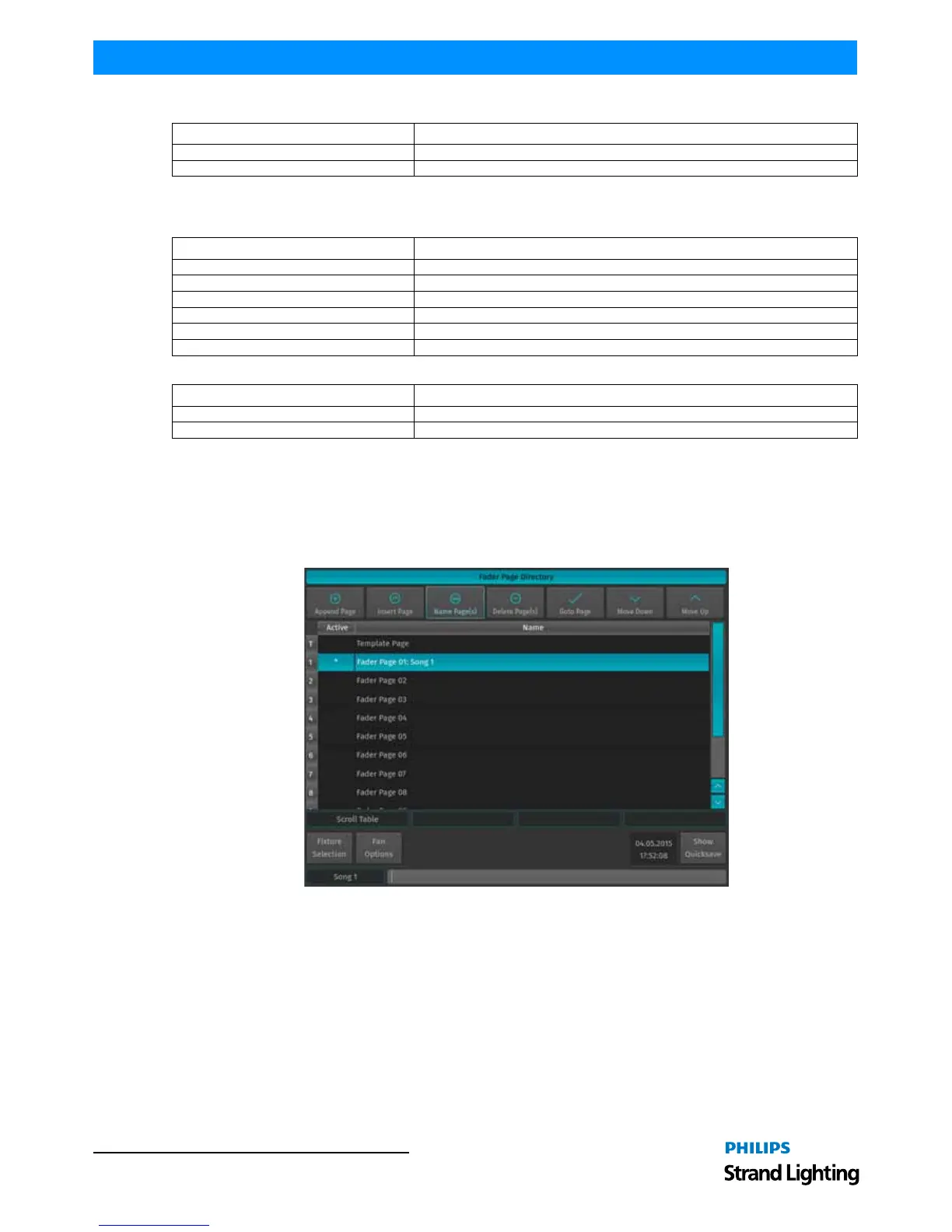
To open up the Fader Page Directory window as illustrated in Figure 237, press and hold the [OPEN] key on the
keypad while striking the [PAGE] key.
Figure 237: Fader Page Directory Window
Fader Function Action of Button Press
Disabled
Master Speed The fader controls the Speed in a range of 0.10s to 10s.
Button Function Action of Button Press
Disabled
Time Increase Adds the amount of time entered in the combobox.
Time Decrease Subtracts the amount of time entered in the combobox.
Time Multiply Multiplies the time of the Fademaster by the entered amount.
Time Divide Divides the time of the Fademaster by the amount entered in the Options combobox.
Tap Sync Measures the time between taps and sets the Fademaster to that amount.
Fader Function Action of Button Press
Disabled
Master Fade The fader controls the fade time (rate) of assigned cuelists in a range of 0.10s to 10s.



 To Next Page