Fixture Library Editor 155
500ML Lighting Control Console
Operation Guide
The Library Editor (See “Fixture Library Editor” on page 149) will be shown allowing you to make changes to the
fixture type. Click on Save and Close when done.
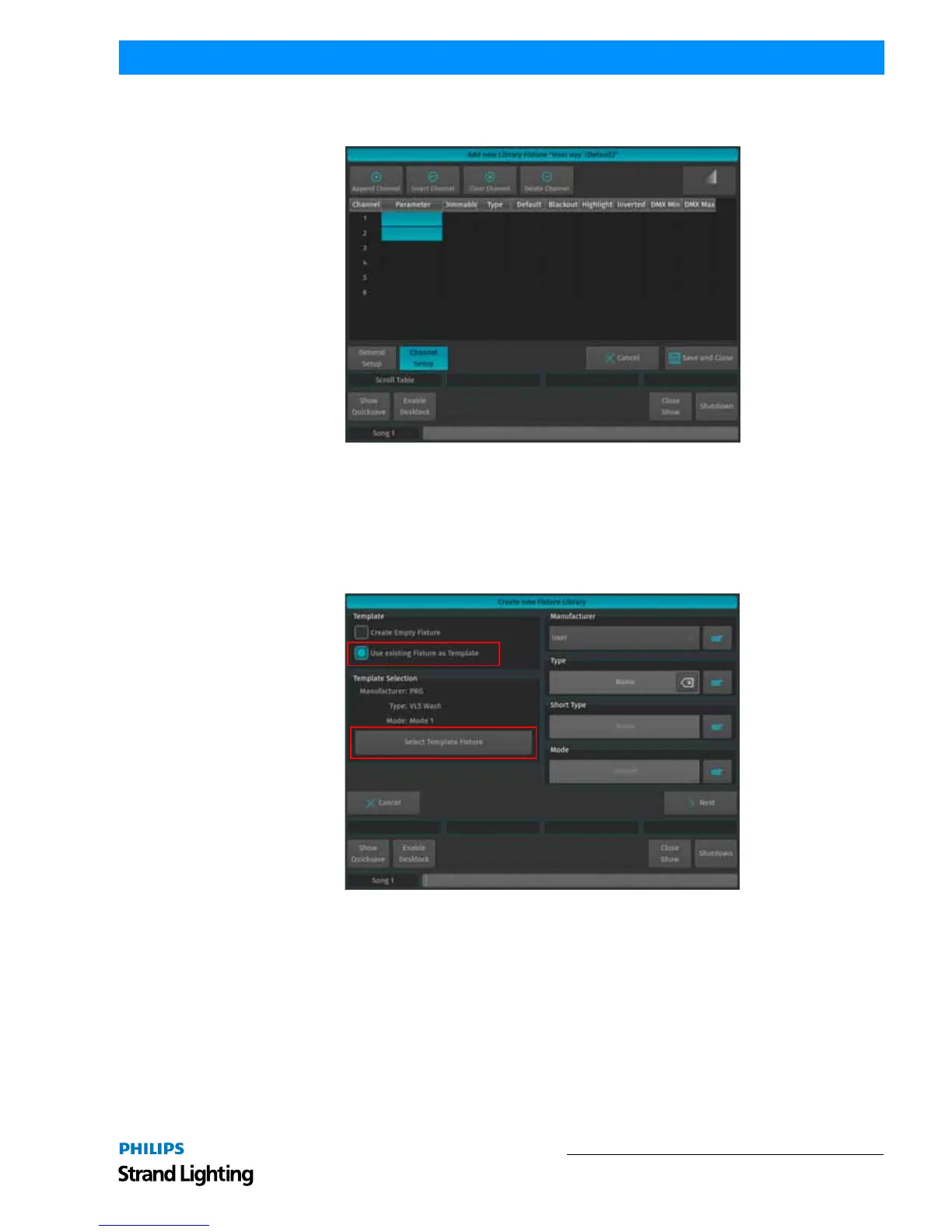
Figure 282: Create New Fixture: Library Editor Screen
Create Fixture using an Existing Fixture Type as a Template
A screen asking a few questions in regards to the new fixture will be shown. You need to specify the Manufacturer,
Fixture Type, Short Type and Fixture DMX Mode.
In order to start using an existing fixture as a template, select Use Existing Fixture as Template and hit the Select
Template Fixture button.
Figure 283: Create new Fixture Library
A screen (Figure 284 on page 156) asking for the source Library of the Fixture type is shown. Select the desired
Library and click on Next.



 To Next Page