To Begin Using the Console 31
500ML Lighting Control Console
Operation Guide
OPERATION
1. To Begin Using the Console
Unpack Console and Accessories
Before you can use the console, unpack it and its accessories from the shipping carton. For a complete list of included
items, refer to "Included Items" on page 7.
Connect Console to Any Accessories and Power
Note: Before connecting any accessories to the 500ML Lighting Control Console, the console must be located on a
sturdy and flat surface in a dry, dust free environment.
Connect all optional accessories such as USB keyboard, mouse, touchscreen, etc. to the console.
Connect DMX cables to the console’s DMX output ports.
If you are using ArtNet / ShowNet for data output, also connect the network cable to the consoles network port.
Use the supplied AC power cable to connect the console to a grounded, AC power source. The console operates on an
AC voltage of 100 to 240VAC.
Refer to Figure 2 on page 10 for console connections.
Boot the Console
After making all the necessary connections to the DMX control and/or ArtNET / ShowNet networks, external
peripherals, etc. the console is ready for use.
• To begin using the console, press the power button on the right hand side next to the touchscreen (refer to Figure 1
on page 8).
• The console will now start to boot. Additionally, the boot menu offers some test and maintenance utilities. The
500ML Lighting Control Console will perform a system check during boot up. Once the system is ready to use, the
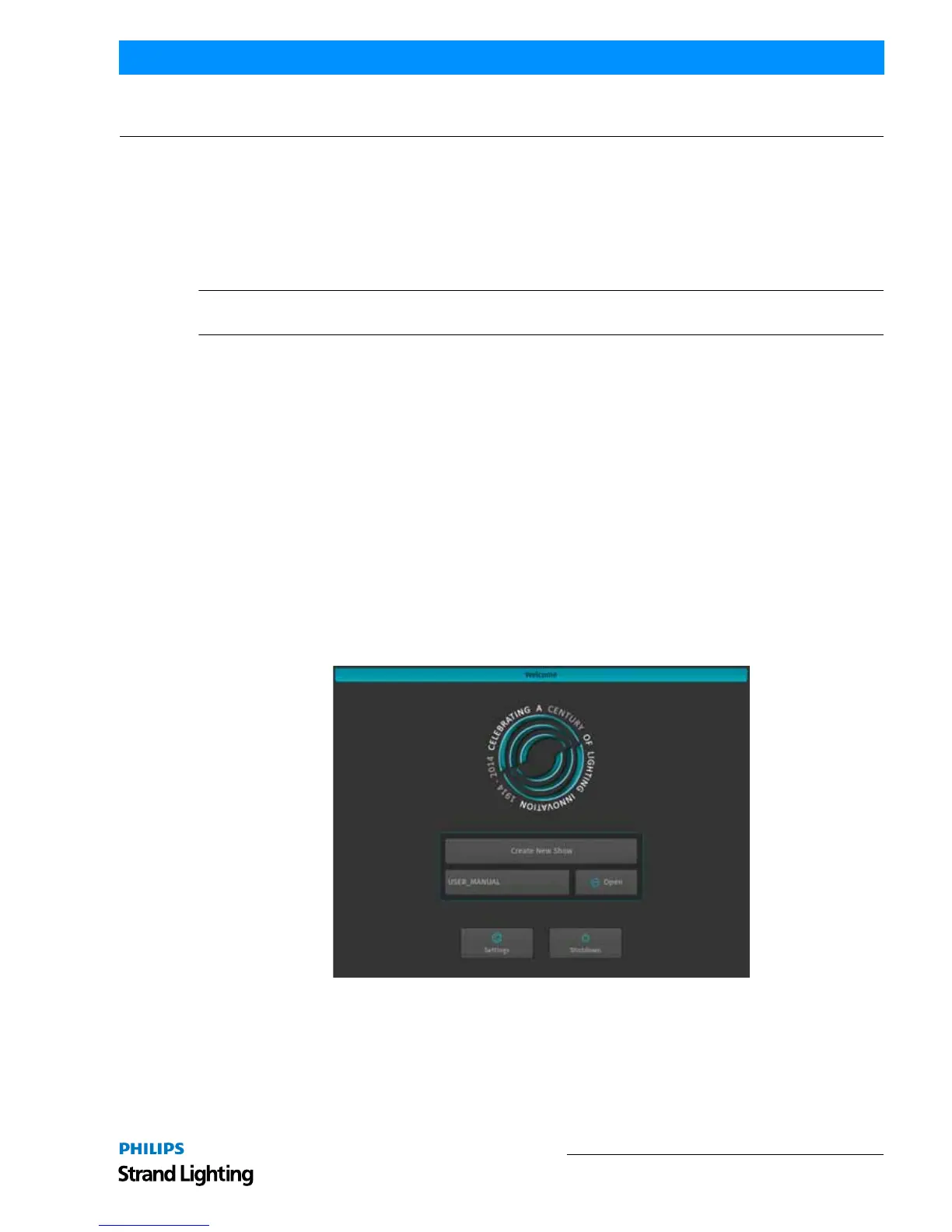
Welcome screen will appear (Figure 41).
Figure 41: Welcome Screen
Once the Welcome Screen appears, you may either start creating a new show file or load an existing one. See
"Working with Shows" on page 37.



 To Next Page