Operation Guide 500ML Lighting Control Console
138 Programming
Using Timecode
The defined Timecode Source may trigger Cuelists when their Run Mode is set to Timecode. Please see Run Mode
for more details.
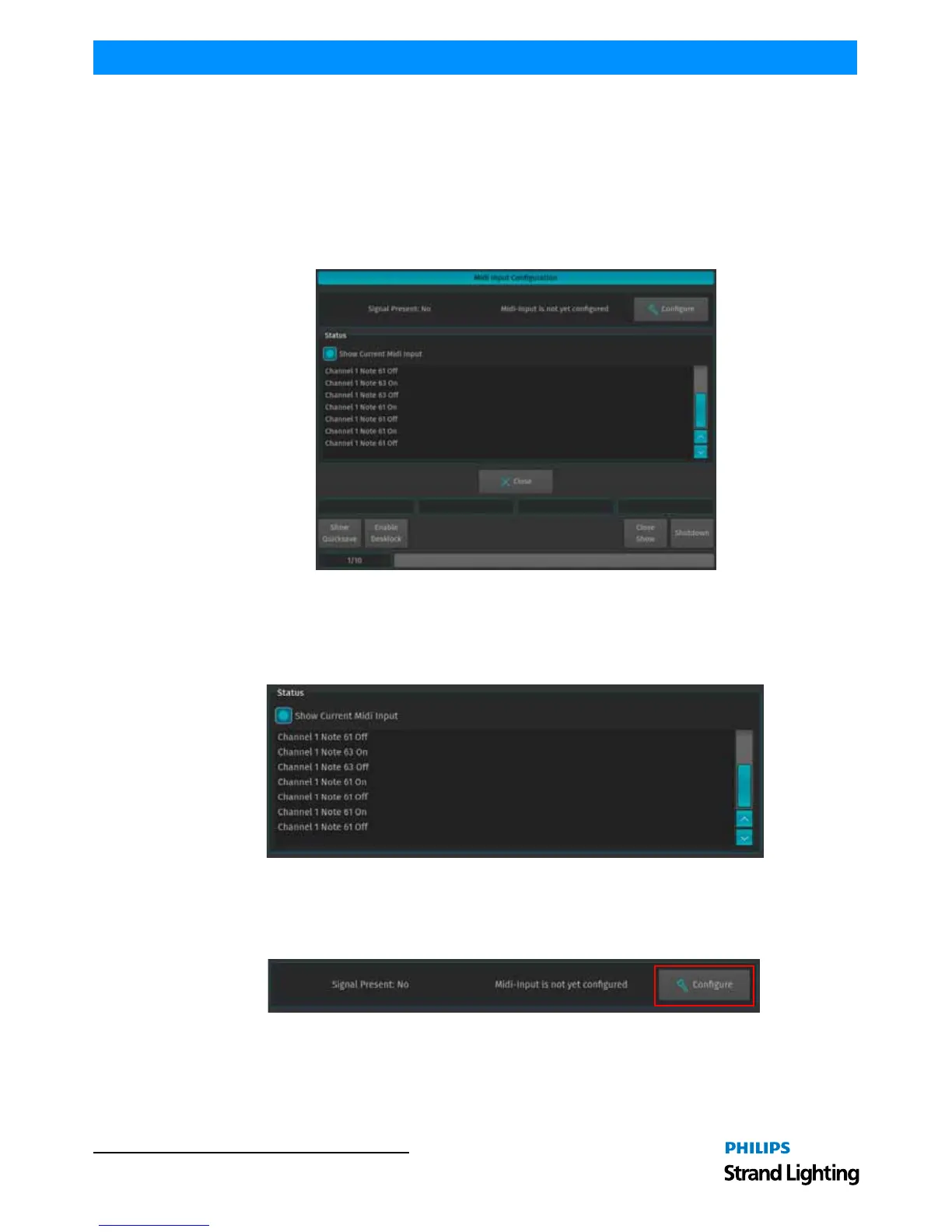
MIDI Input
To set up the MIDI Input, open the Setup Menu by pressing the [SETUP] key, head over to the Show Settings Tab and
select MIDI Input from the Input / Output Groupbox.
All settings made in this screen are stored in the Showfile.
Figure 252: MIDI Input Configuration
Show Current MIDI Input
To enable MIDI Monitoring, tick the Show Current Midi Input checkbox. The console will now show received MIDI
signals.
Figure 253: Show Current Midi Input
Setup the MIDI Input
To setup the configurable MIDI Input, click on the Configure button. The MIDI Playback List Editor will be shown.
Figure 254: MIDI Input Configuration - Configure Button



 To Next Page