Operation Guide 500ML Lighting Control Console
88 Programming
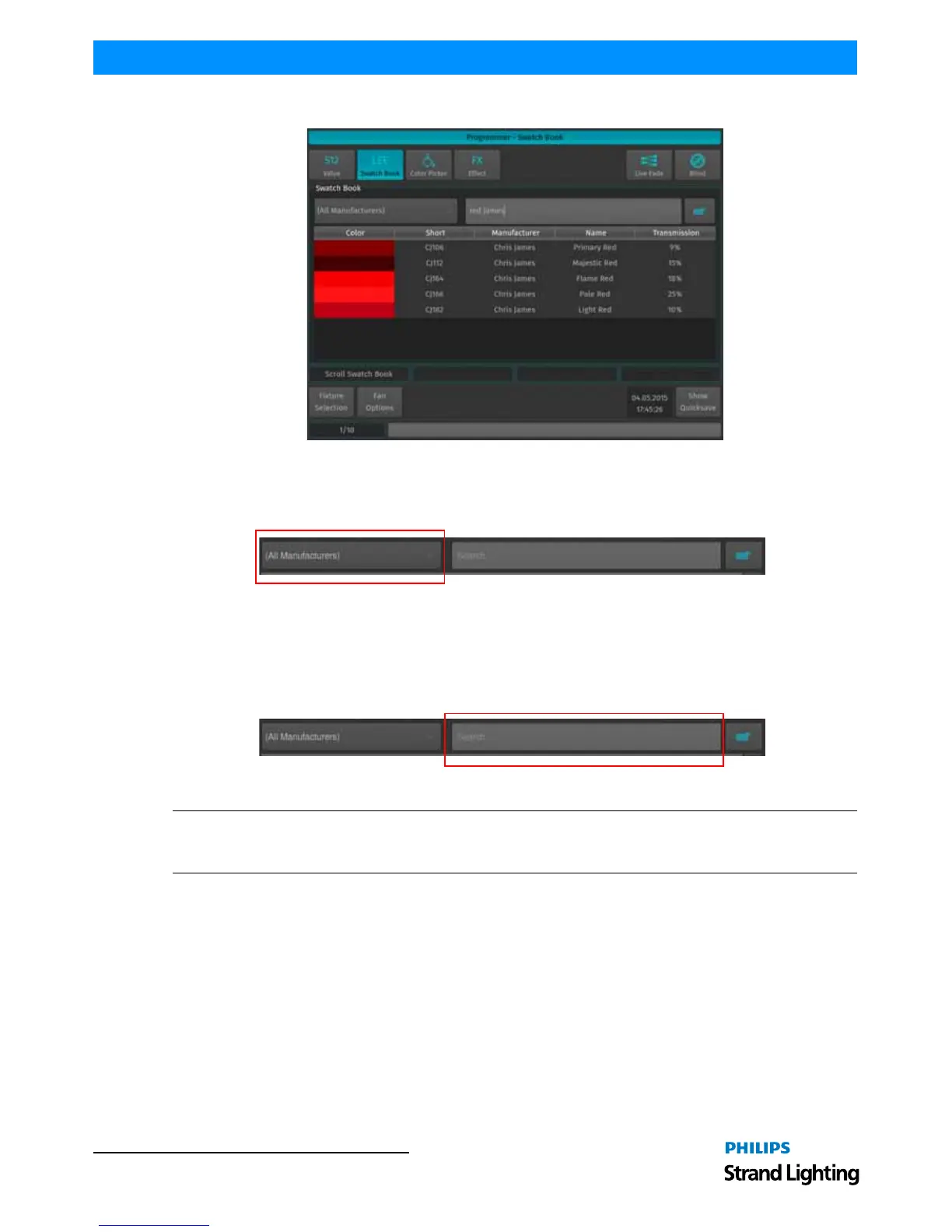
Figure 157: Programmer - Swatch Book
Filter Gels by Manufacturer
Within the Programmer - Swatch Book window, use the filter drop down menu to display filter gels by manufacturer.
Figure 158: Swatch Book - Filters by Manufacturers Drop Down Menu
Filter Gels by Search Function
Another option to look for colors is the integrated text search field. Just type what you are searching for into the
search field. If you do not have a USB Keyboard attached, click on the keyboard button to open up the on-screen
keyboard.
Figure 159: Swatch Book - Filters by Search Function
Note: You can combine full text searches with the manufacturer drop down menu. For example, entering "Amber"
into the search field and setting the manufacturer filter to LEE will only show amber gels (with amber in their
description) manufactured by LEE.



 To Next Page