Operation Guide 500ML Lighting Control Console
60 Programming
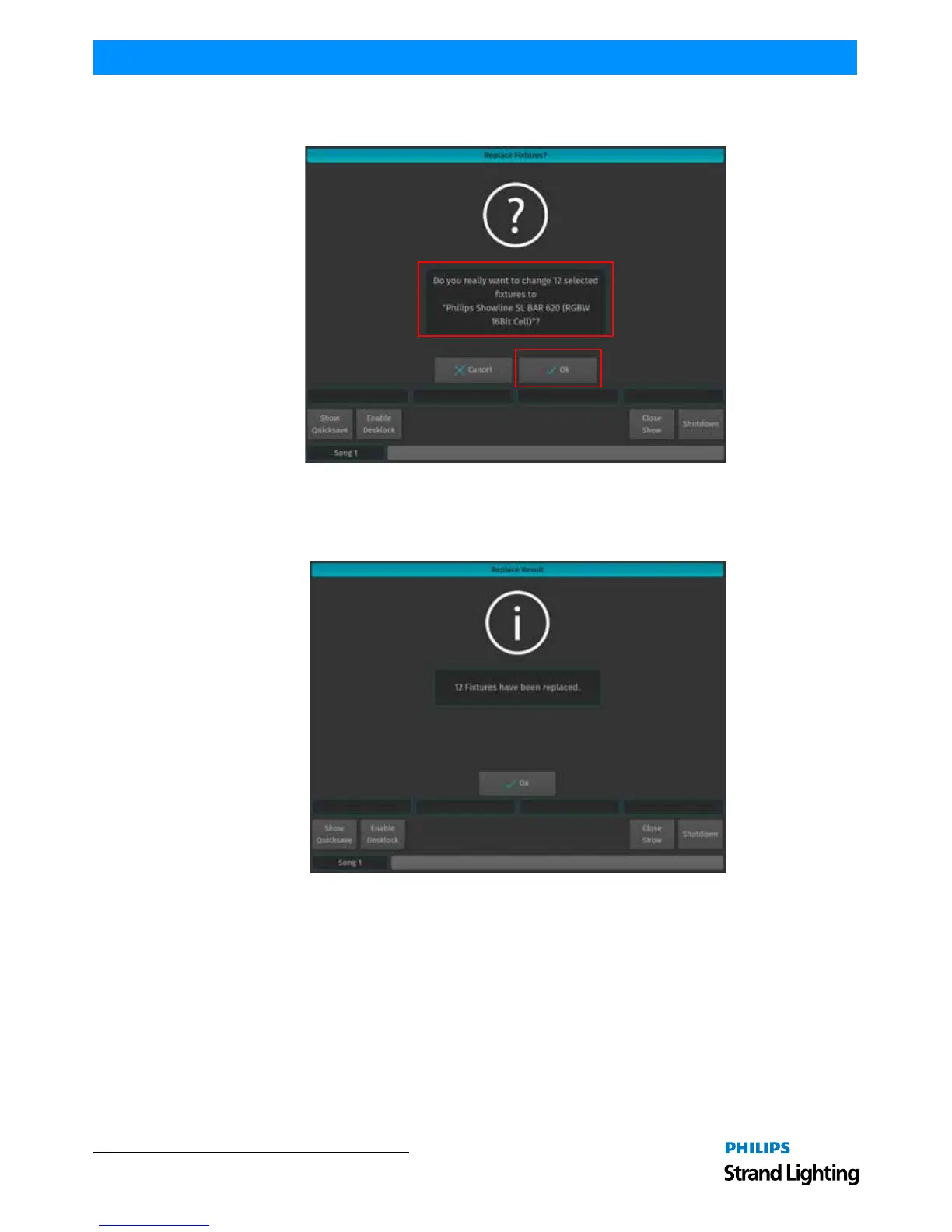
The console will now ask for confirmation on the fixture replacement (Figure 99), displaying a brief summary of the
changes to be made. If the new fixture type is acceptable, Click Ok to proceed.
Figure 99: Replace Fixture Confirmation Screen
The 500ML console will now transfer existing programming over to the new fixture type. After this process is
completed (Figure 99), a confirmation window will appear. Click on OK to proceed to the Configure Fixtures
window to patch the fixtures.
Figure 100: Replace (Fixture) Result Confirmation Window
Important Notes:
• If the new fixtures will fit into the DMX Footprint of the previous fixtures, the DMX Patch will be kept. If not, the
new fixtures need to be re-patched within the console.
• When swapping fixture types, programming will be kept when possible. Please note that color-mix attributes will
not be converted. So swapping a CMY to a RGB fixture does not convert and transfer over any colors pro-
grammed.
Clone Fixtures
Sometimes you might wish to add more fixtures to a show and carry over existing programming of specific fixtures to
the new fixtures.



 To Next Page