Fixture Setup 59
500ML Lighting Control Console
Operation Guide
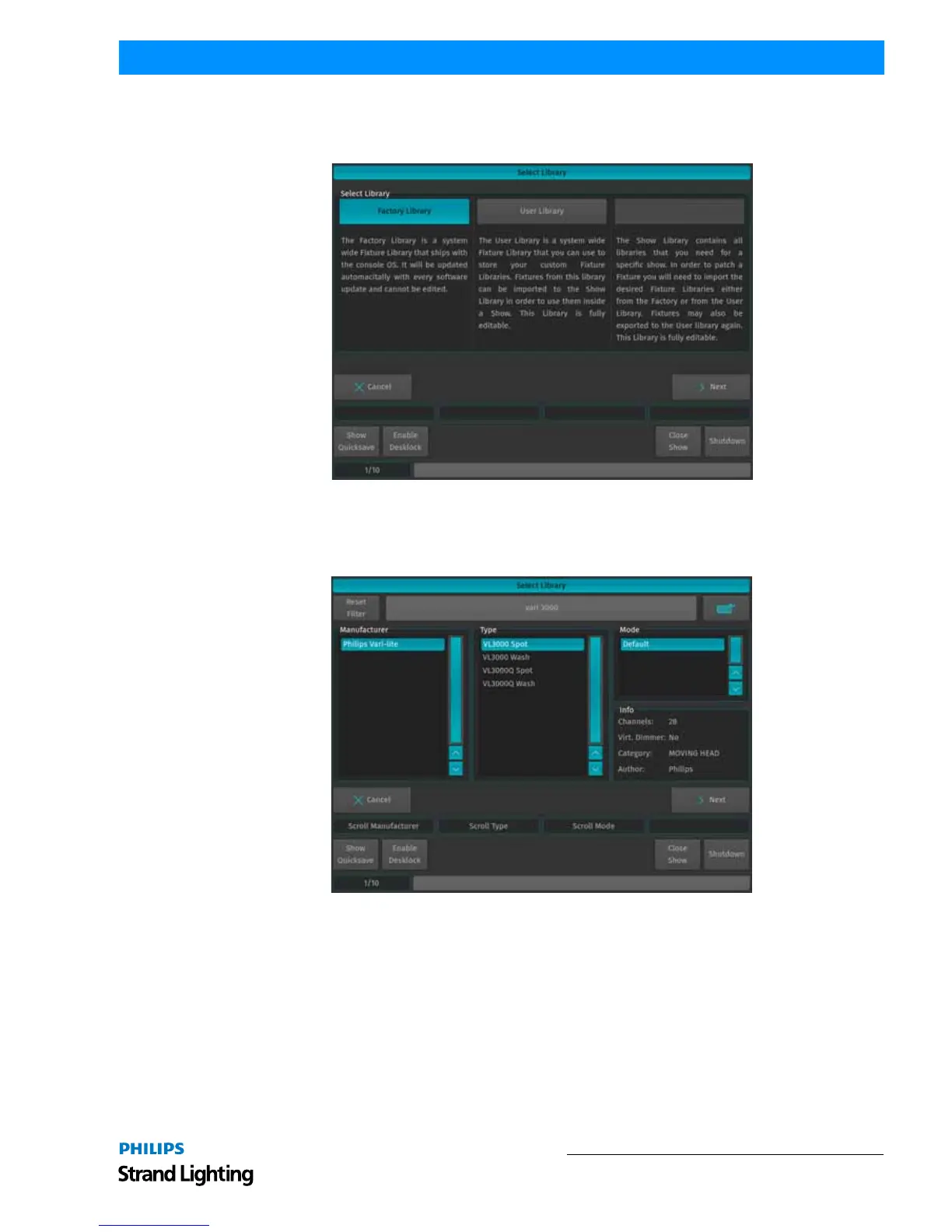
A screen (Figure 97), asking you for the type of library you would like to import your fixture from will appear after
selecting Add Library. If you would like to add a predefined Fixture Type, select on Factory Library. If you would
like to add a User created or User modified fixture, select User Library. Click on Next when done.
Figure 97: Select Library Window - Adding or Changing Fixture Types
A menu that allows you to pick a fixture type will appear. As shown in Figure 98, you may search for fixtures using
the filter field shown in the top part of the screen. Alternatively, you may select the fixture by selecting the
Manufacturer, Type and Mode. Click on Next when done.
Figure 98: Select Library Window - Selecting Fixture Type
You will be brought back to the list as shown in Figure 96 on page 58. Select the newly added fixture type from the
list and select Next.



 To Next Page