Calibrating Touchscreens 173
500ML Lighting Control Console
Operation Guide
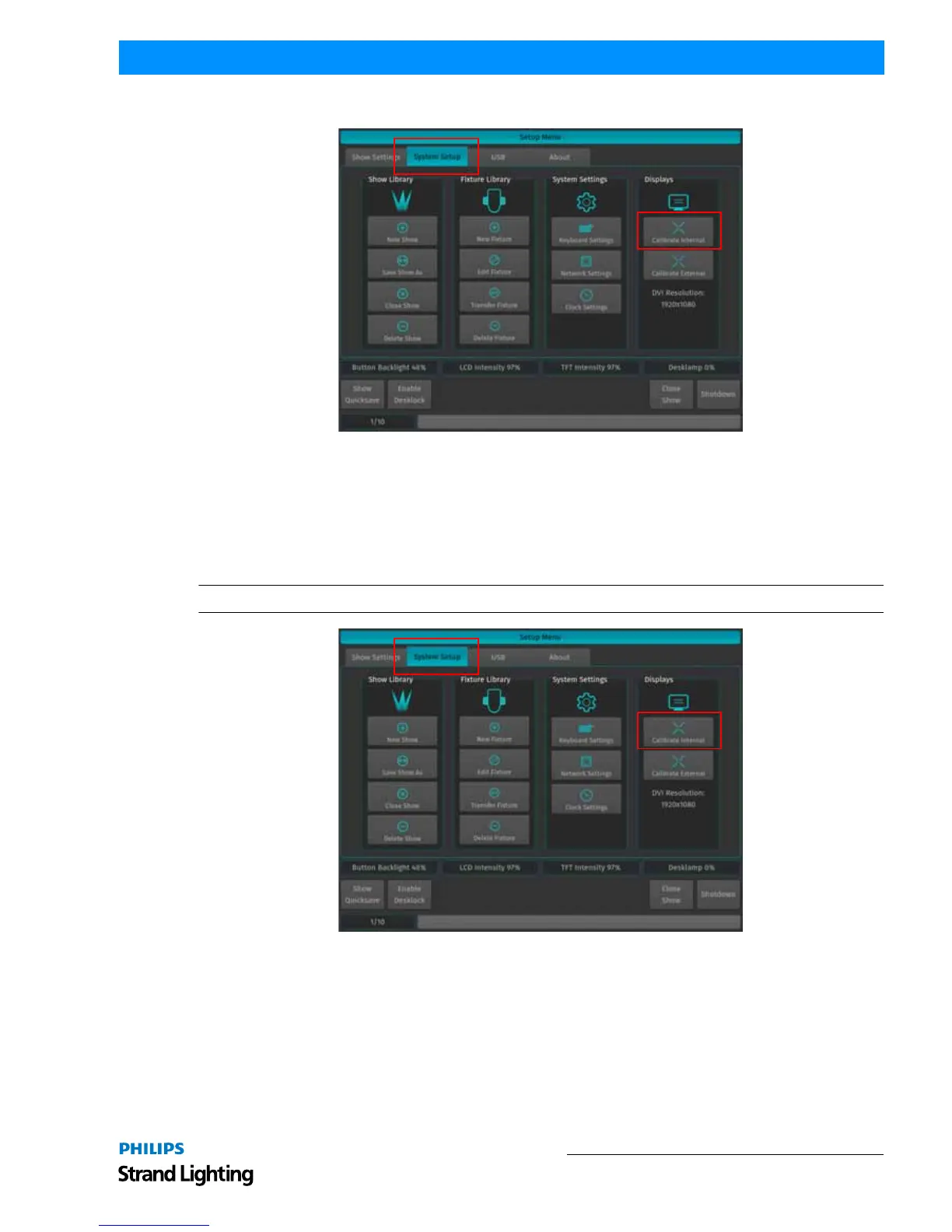
Figure 316: Setup Menu Window - Calibrate Internal Touchscreen
Calibrating External Console Touchscreen
If an external touchscreen was purhcased and is connected to the console, it may be necessary - from time to time - to
recalibrate the external touchscreen.
To do this, as illustrated in Figure 317, access the Setup Menu by pressing [SETUP] and select the System Setup tab.
Click on Calibrate External.
Note: You may also use a USB mouse (not supplied, by others) attached to the console.
Figure 317: Setup Menu Window - Calibrate External Touchscreen



 To Next Page